Spring shows up, and my lock screen suddenly looks kind of boring. Easter iPhone wallpaper fixes that fast, and it costs nothing. I’ve found that one bright background can change my whole morning.
Most days, I grab my phone before I’m fully awake. Then I stare at the same old screen again and again. So when the wallpaper looks dull, the day can start dull too. A small swap gives me a tiny reset.
Meanwhile, everyone around me seems ready for spring color. Kids want eggs, bunnies, and all the cute stuff. Moms want something pretty that still looks calm.
Some women want a faith-forward image that stays simple. I tend to notice that the best picks look good in any lighting. That little detail saves so much annoyance.
Living in Orlando, sunshine hits hard and early, so my screen needs to keep up. Pastels look softer in that bright light, and crisp photos look extra clean. Some days I want playful, and other days I want peaceful (my brain changes hourly).
Then I save a few favorites, so I can switch later. A busy week calls for simple designs that don’t compete with icons. A slow weekend can handle more detail and color. I like having choices ready to go.
Next, I look for images that don’t clutter the icons. Clean space matters when notifications stack up. I’ve found that the right colors can make the whole phone look newer. Keep reading, since the next ideas get cute, calm, and quietly meaningful.

Some of the links on this page are affiliate links, which means I may earn a small commission if you purchase through them. It never costs you extra. You can always peek at my full disclosure if you’d like the details.
Why Change Your Wallpaper?
I get it. Changing a wallpaper can sound silly at first. It’s just a screen, right?
Then reality hits. A phone gets checked a lot. That screen becomes the backdrop to your whole day.
Most people think a new wallpaper is only for looks. I’ve found it works more like a mood switch. It can make the day look lighter, on a messy morning.
Here’s the funny part. A fresh background can make an older phone seem new again. It’s the cheapest refresh that still feels real.
It can work like a tiny cue, too. Soft colors can calm the brain. Bright colors can spark energy. I tend to notice I scroll less when the screen looks clean.
Quick reset. If your icons disappear into the picture, it’s not the one. Your eyes shouldn’t work that hard.
I used to think busy wallpapers looked more special. Now I pick breathing room on purpose. A simple design helps photos, messages, and apps stay readable.
An Easter iPhone wallpaper can do something extra. It can nudge your brain toward spring and hope. That matters when everything feels rushed.
You might expect you need a perfect design. Nope, you don’t. You just need one that makes you smile fast. A pastel sky can do that.
I save a few favorites in an album, then rotate them. That way, I don’t hunt later. It’s a tiny habit, yet it keeps things fresh.
Try this once, and you’ll see it. Match the lock screen to your mood. Keep the home screen calmer.
So yes, it’s a small change. Yet it can make your phone feel like yours again. Keep going, since the next picks get surprisingly fun.
Easter iPhone Wallpaper Themes to Consider
Easter themes can go sweet, calm, funny, or even a little classy. I like having a few options ready, since moods change. Cute isn’t always better. Sometimes simple wins.
I tend to notice wallpapers look best when they leave breathing room for icons. A busy photo can look great, then turn messy the second notifications show up.
Here are a few go-to looks that work well on a phone screen:
-
Classic Easter Eggs
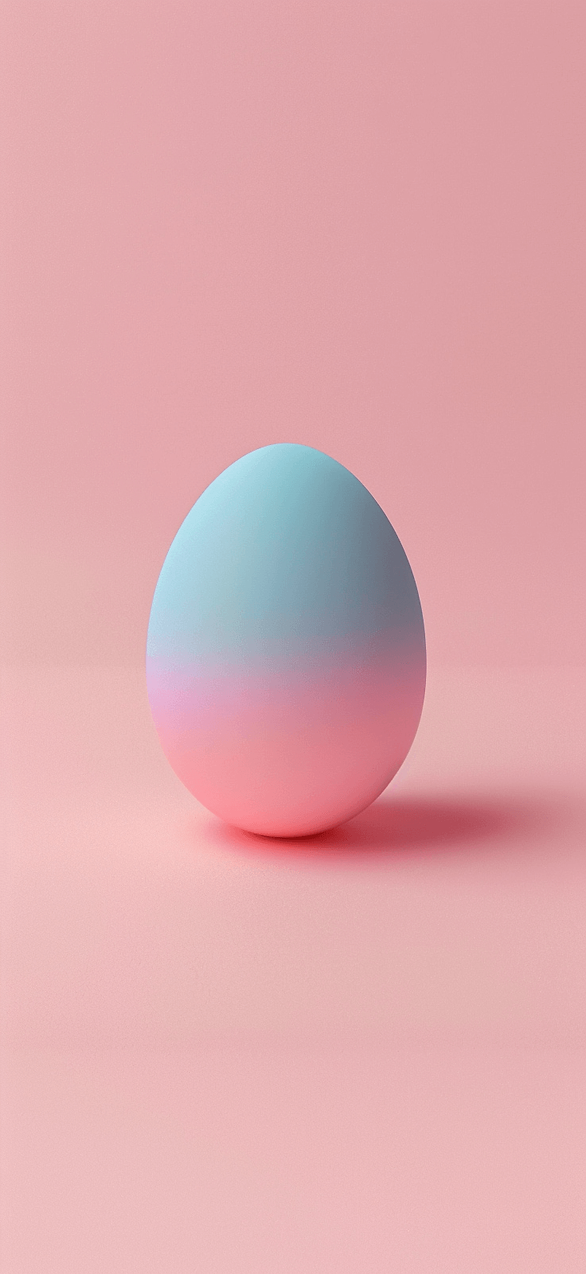
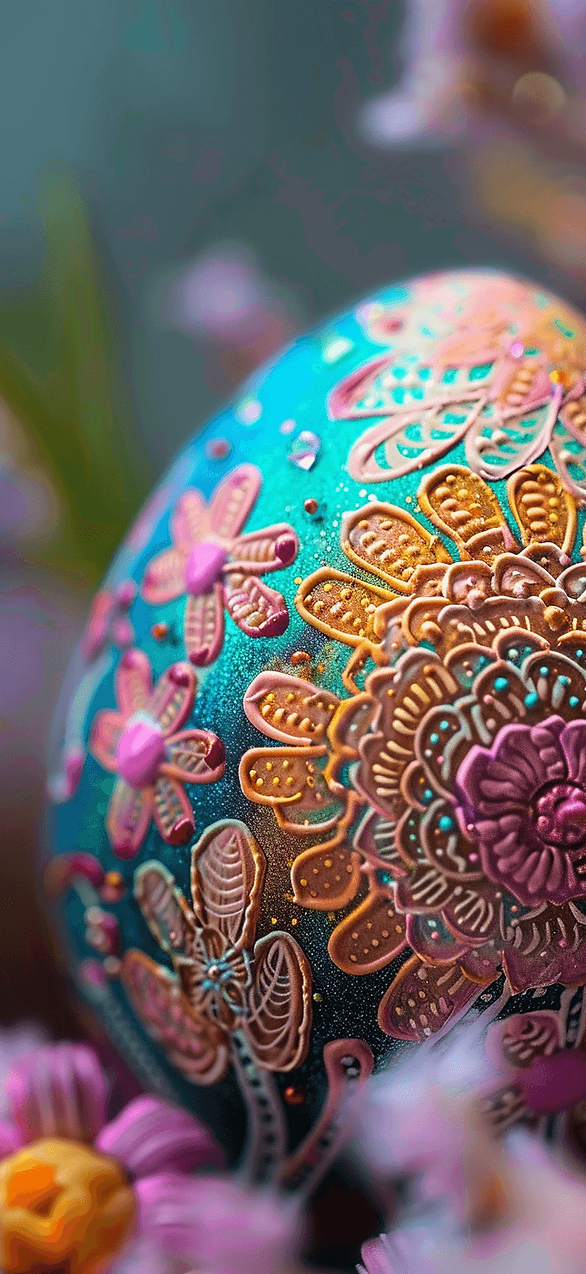
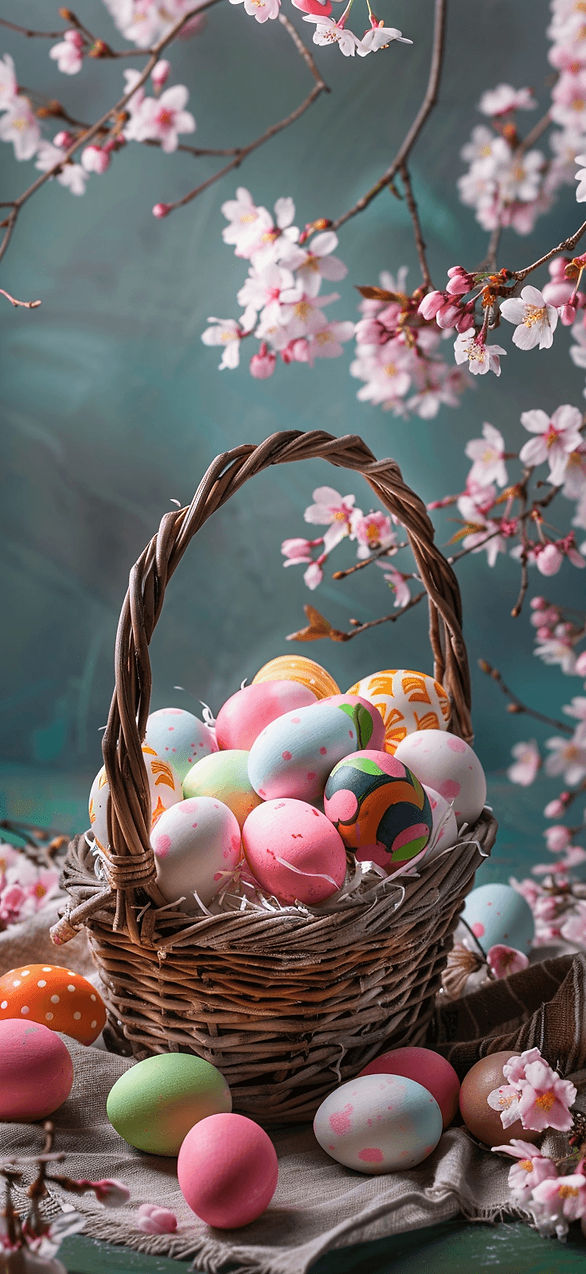
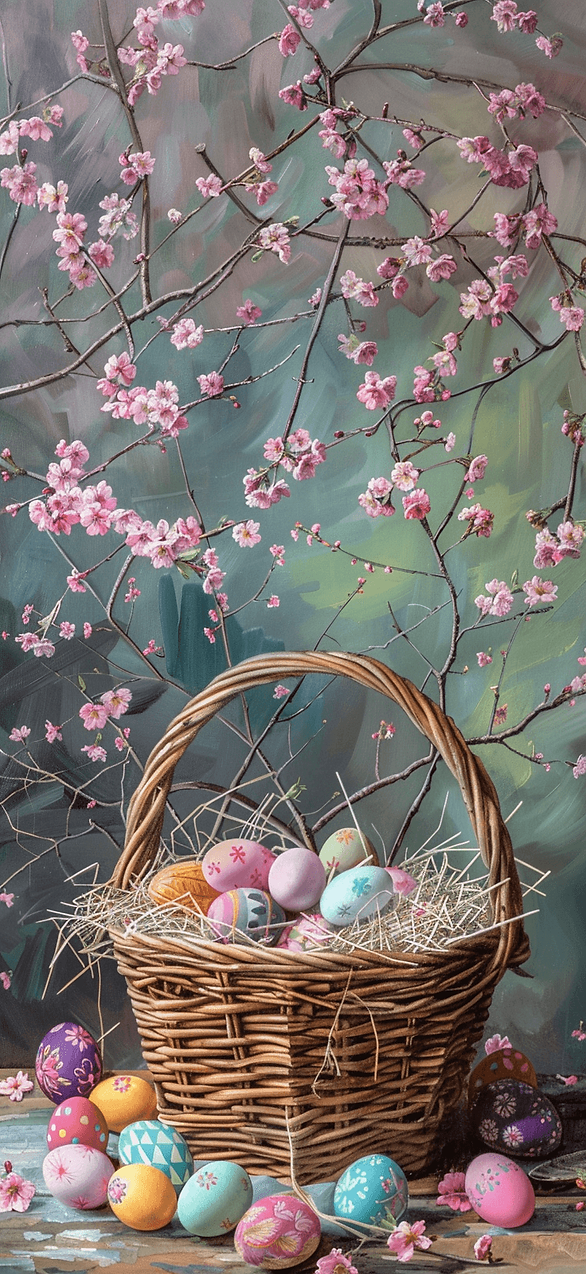
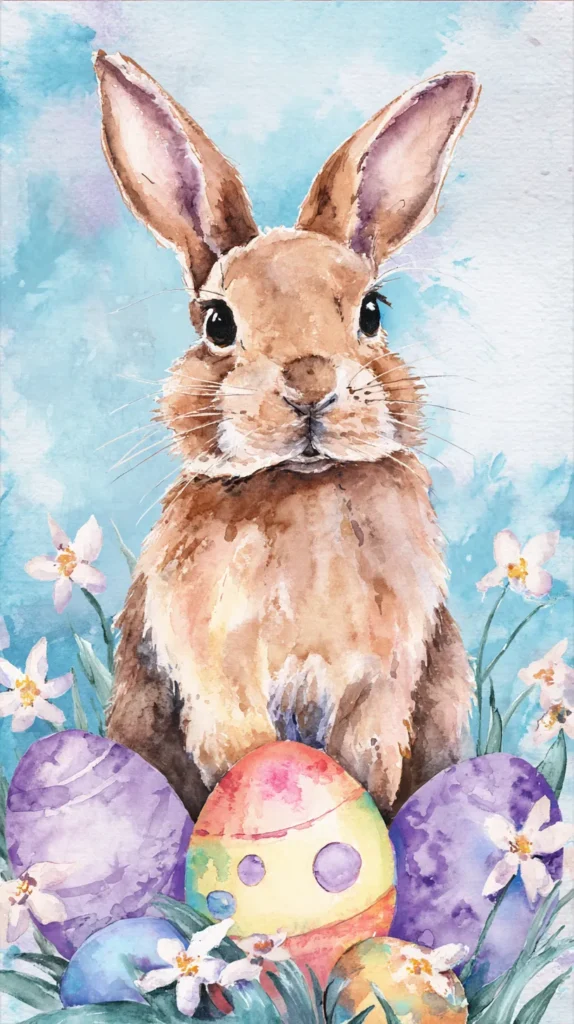
Painted eggs bring instant color, and they can look modern too. Try clean patterns with space around them, so icons stay readable. -
Bunnies And Chicks
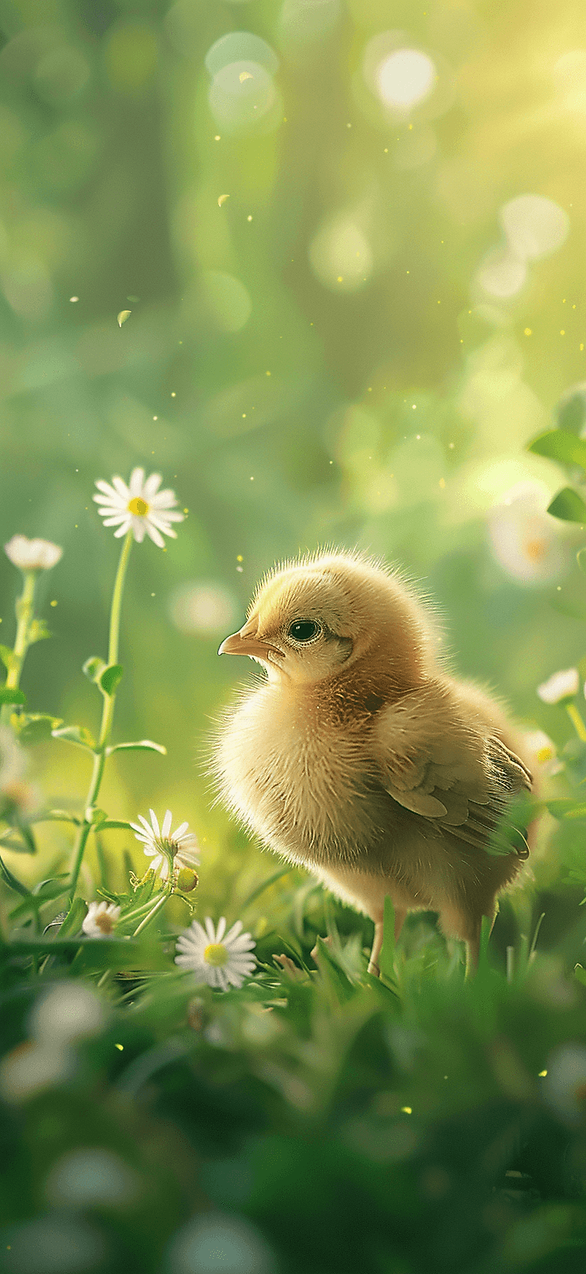
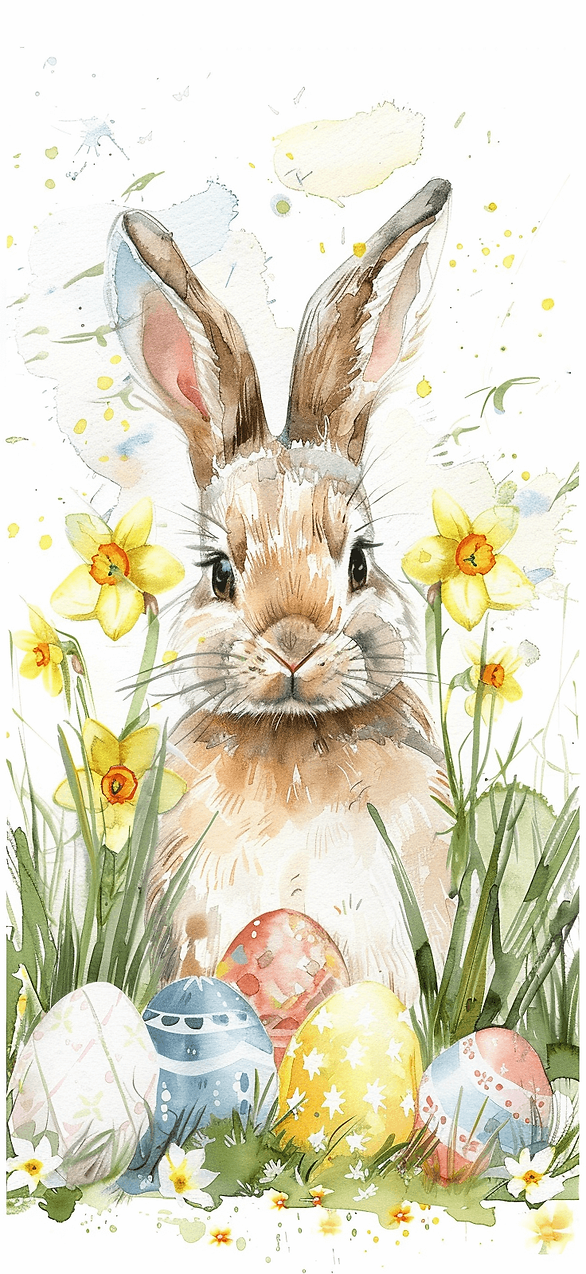
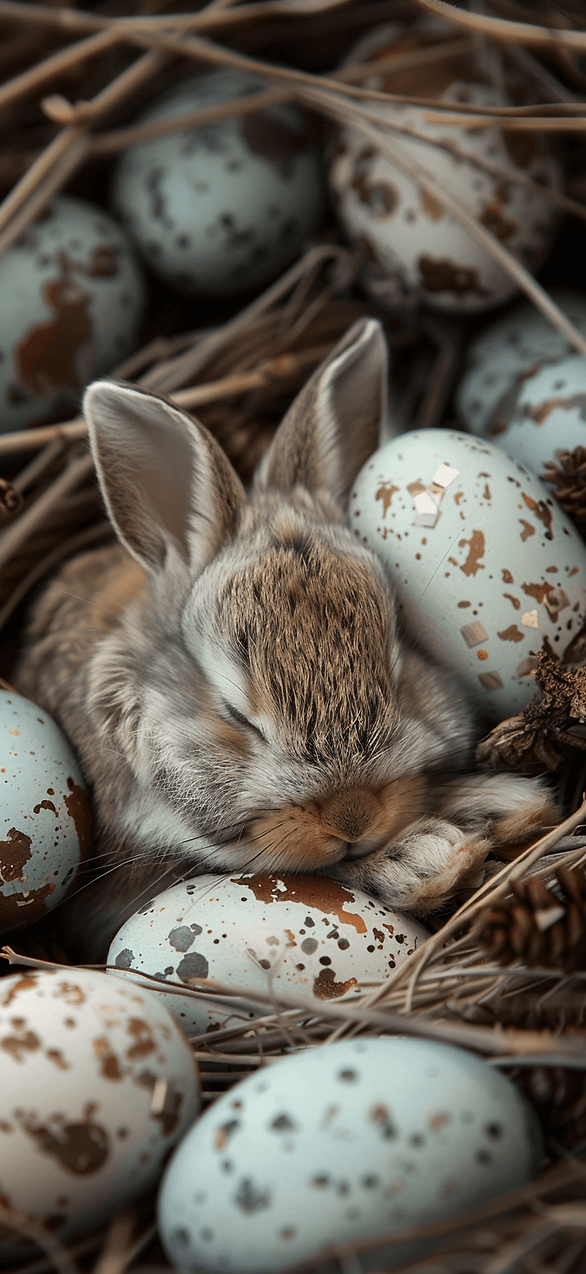
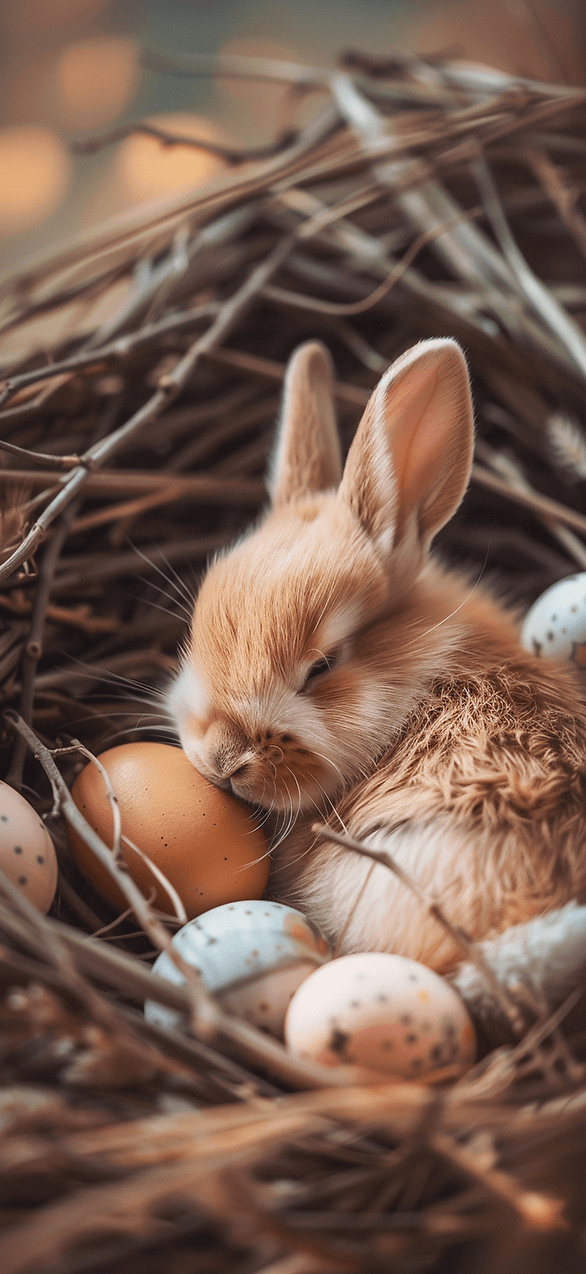
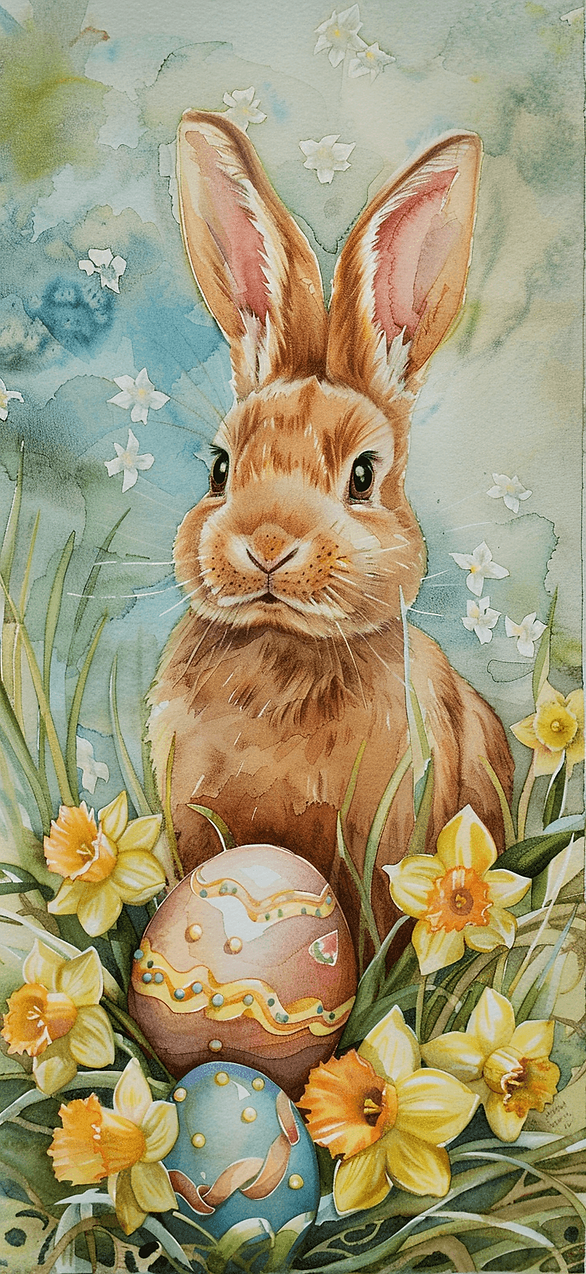
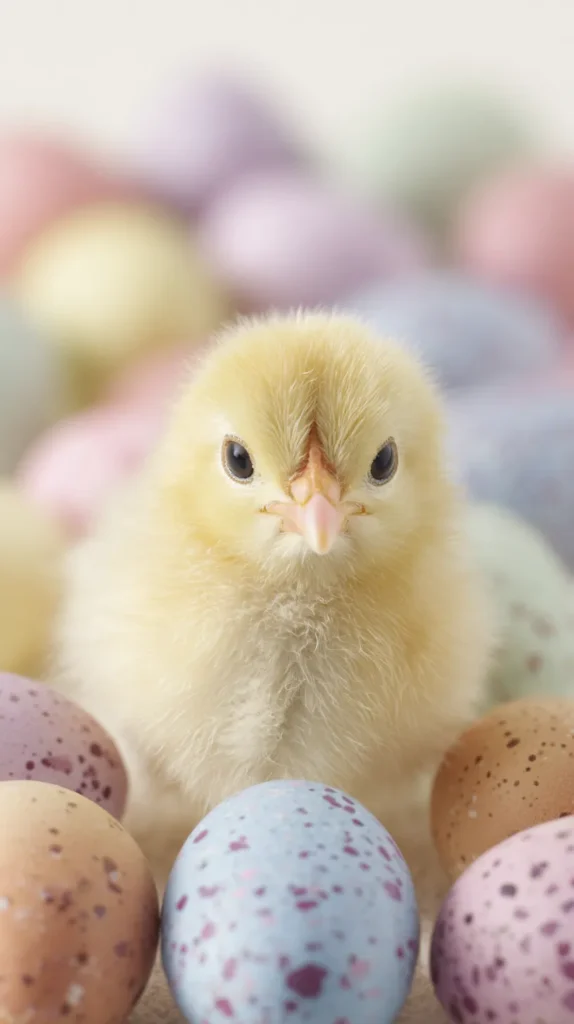
Yes, they’re adorable, and they never really go out of style. I’ve found close-up photos work best when the background stays soft. -
Spring Flowers
Tulips, daffodils, and wildflowers can look fresh without looking busy. Pick a photo with one main bloom, then let the rest blur. -
Pastel Color Washes
Pastels can calm a screen fast, especially on bright days. A simple gradient or watercolor look can match any case color. -
Faith Forward And Minimal
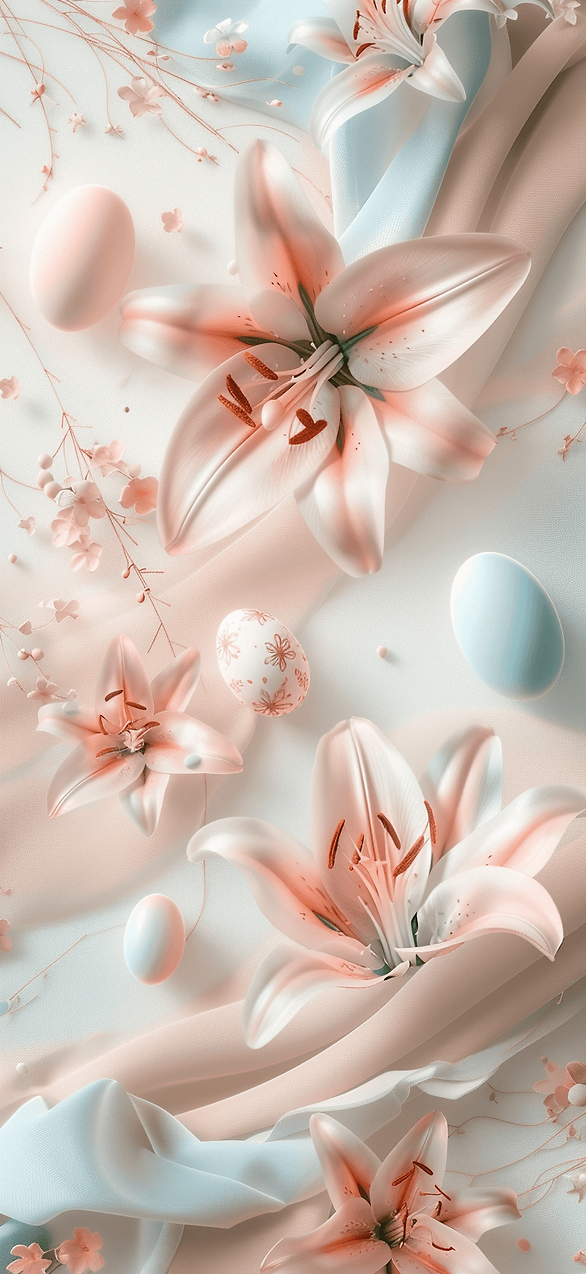
A cross silhouette, a sunrise, or lilies can keep the focus quiet and meaningful. Most people assume this style looks plain, yet it often looks the most polished. -
Cozy Easter Tables
This one surprises people. A soft photo of plates, linen, and eggs can feel warm and grown-up. Keep the scene uncluttered, and it won’t fight your apps.
Save a few favorites, then rotate them through the season. You can set a bold lock screen and a calmer home screen. That mix keeps the phone cute without feeling loud. If you’re stuck, start with eggs or pastels, then branch out.

Tips For Choosing The Perfect Wallpaper
I’ve grabbed a wallpaper that looked cute, then hated it an hour later. Your apps vanish, your eyes work harder, and the charm wears off fast. So I keep a simple checklist in my head.
First, I look at visibility on the home screen. Icons and widgets should pop, not blend. If the background fights your apps, it loses.
Next, I match the vibe to my real life that week. A loud pattern can be fun on a calm day. On a hectic week, a softer look can save my brain.
Here’s what I use when I’m picking an Easter iPhone wallpaper:
- Choose a photo with open space near the middle and bottom.
- Pick colors that contrast your icons, not copy them.
- Avoid tiny details that look fuzzy once the screen shrinks.
- Test it on both lock screen and home screen before committing.
- Zoom in or out until faces, flowers, or eggs don’t sit under icons.
Most people think the prettiest image wins. I’ve found the easiest image wins. When the screen stays readable, the phone feels smoother to use.
Then I change it up without overthinking it. I keep three to five favorites saved, so I can swap in seconds. That tiny switch can make the day feel lighter (and yes, that sounds dramatic).
Finally, I check it at night. Bright whites can glare in a dark room. A slightly warmer tone can look better after dinner.
If you want a quick win, pick one calm option and one playful option. Rotate them when your mood flips. That way, your phone stays fresh without becoming another task.

Gorgeous Easter iPhone Wallpapers
I won’t pretend this is life-changing, but it’s weirdly satisfying. A fresh background can make a Monday look softer. And yes, I judge my own lock screen.
Here’s the part people forget. Your wallpaper sits behind every text, alarm, and school reminder. So it should make you smile, not squint.
This set of picks covers the whole mood range. Some look cute and playful. Others look calm and airy, with lots of space.
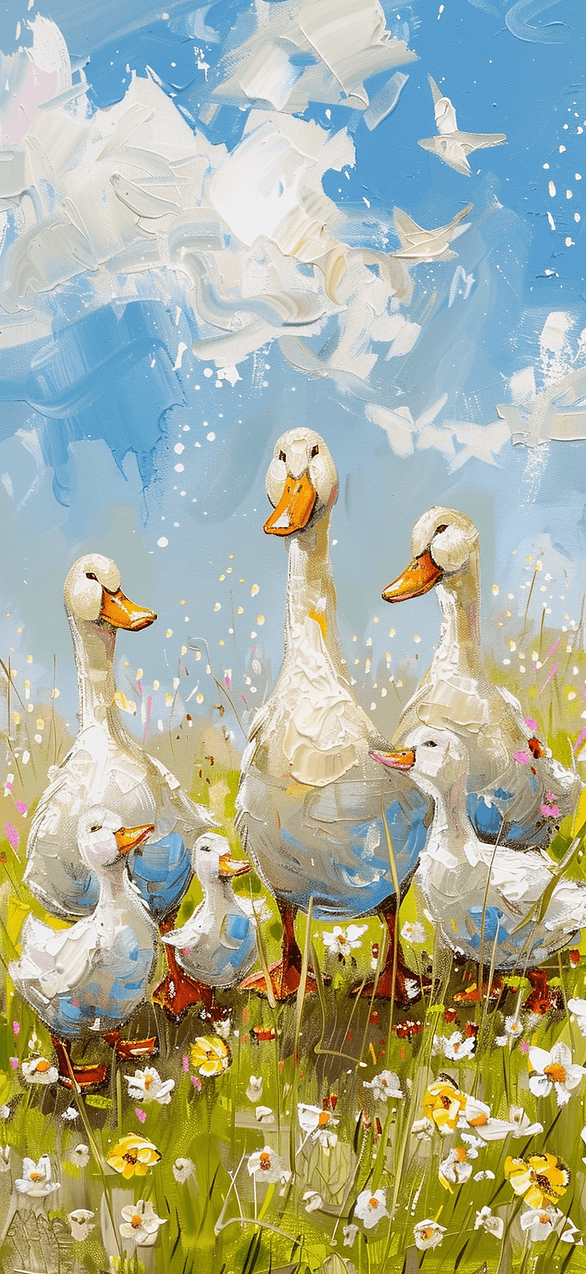
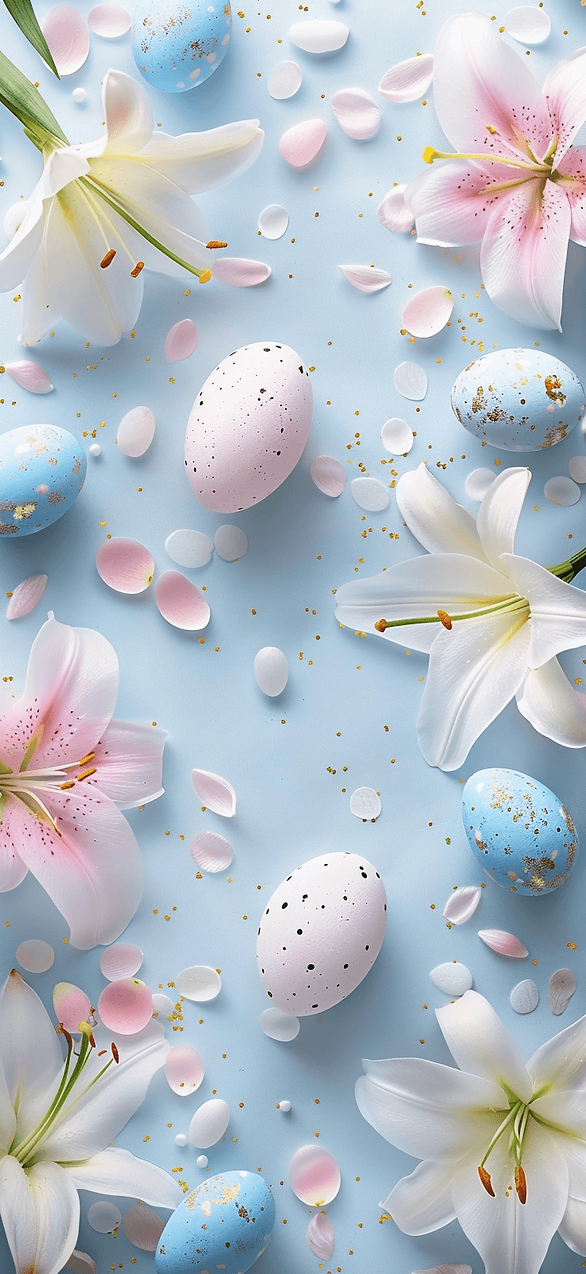
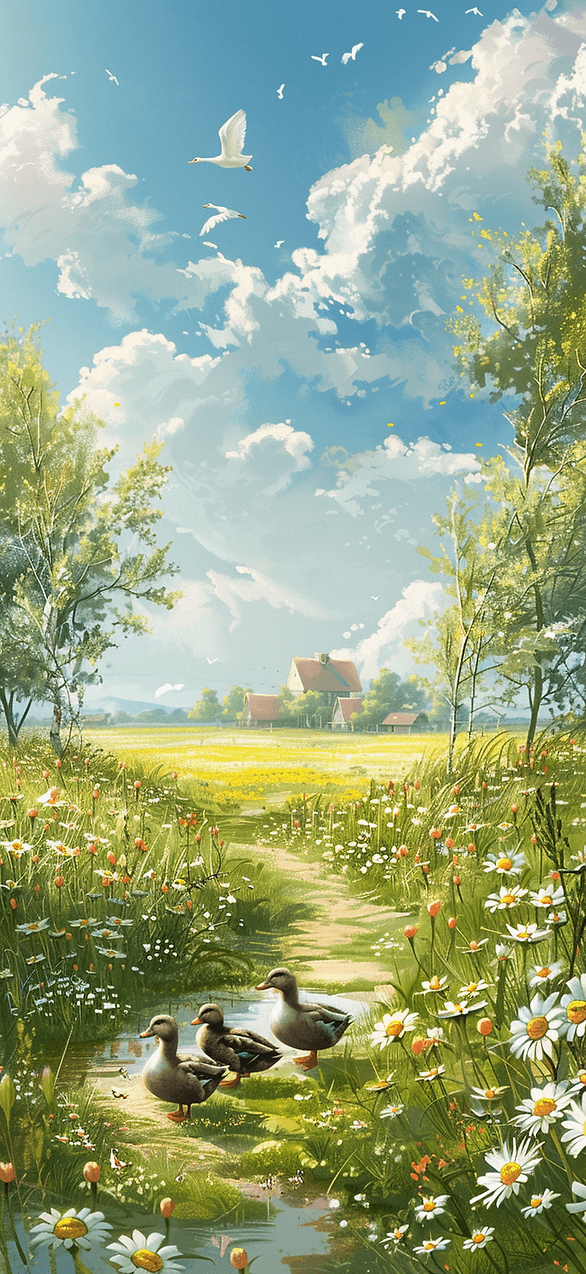
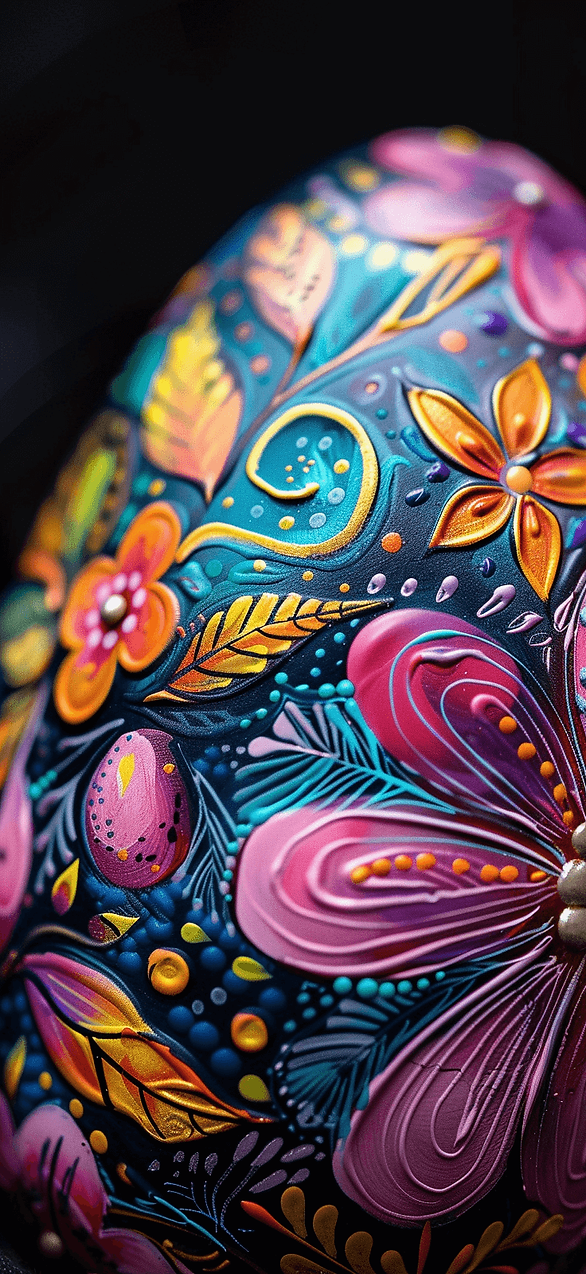
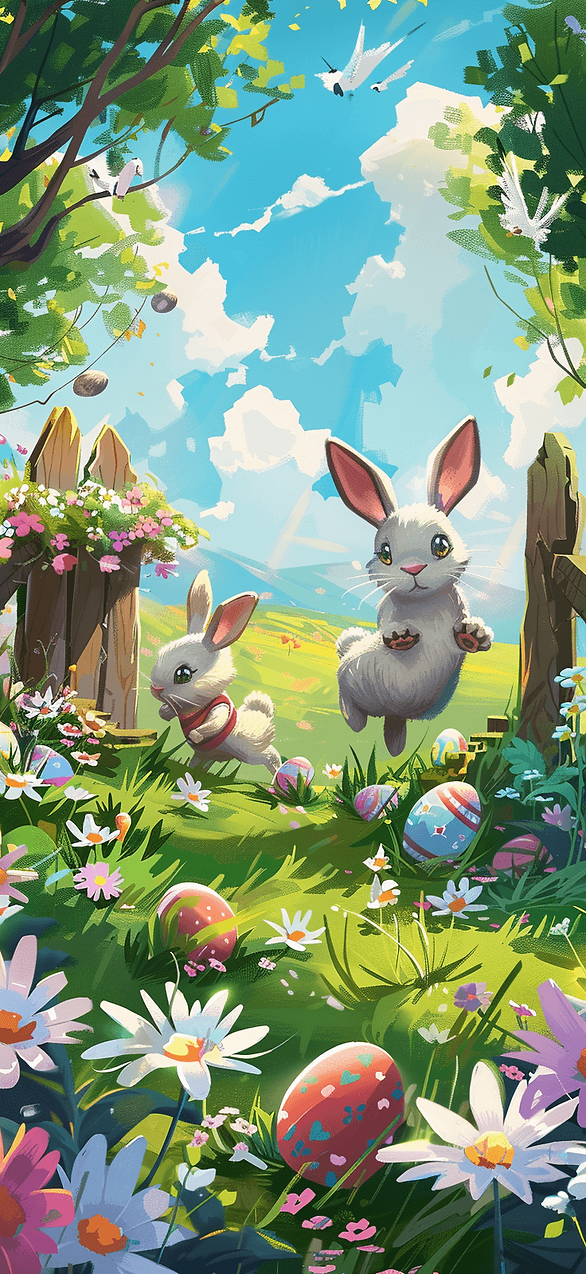
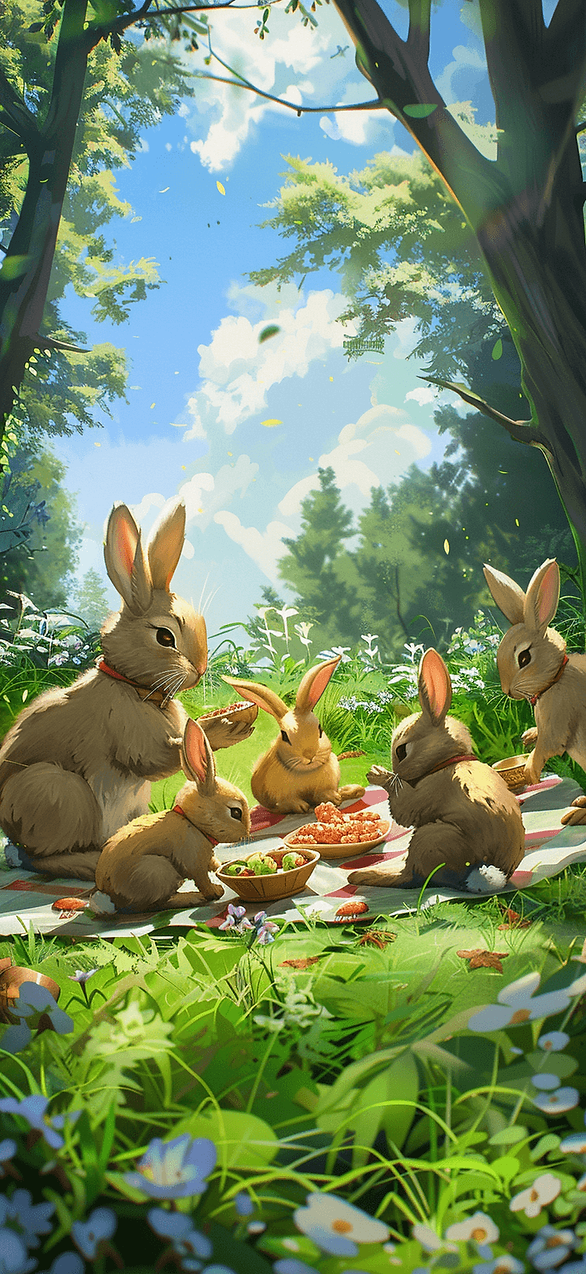
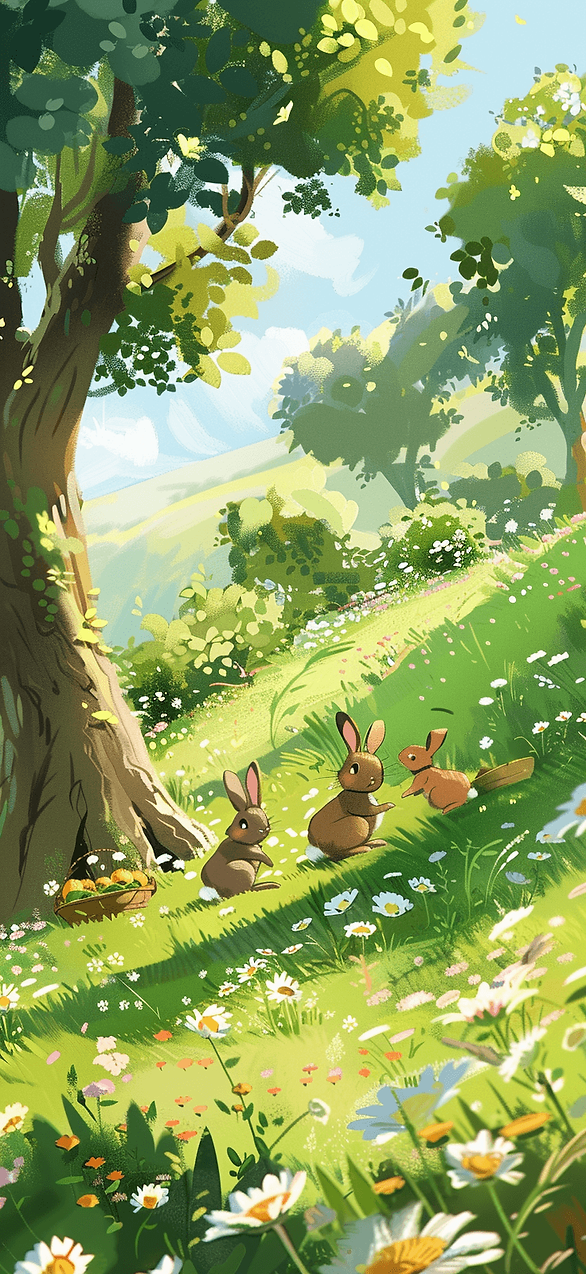
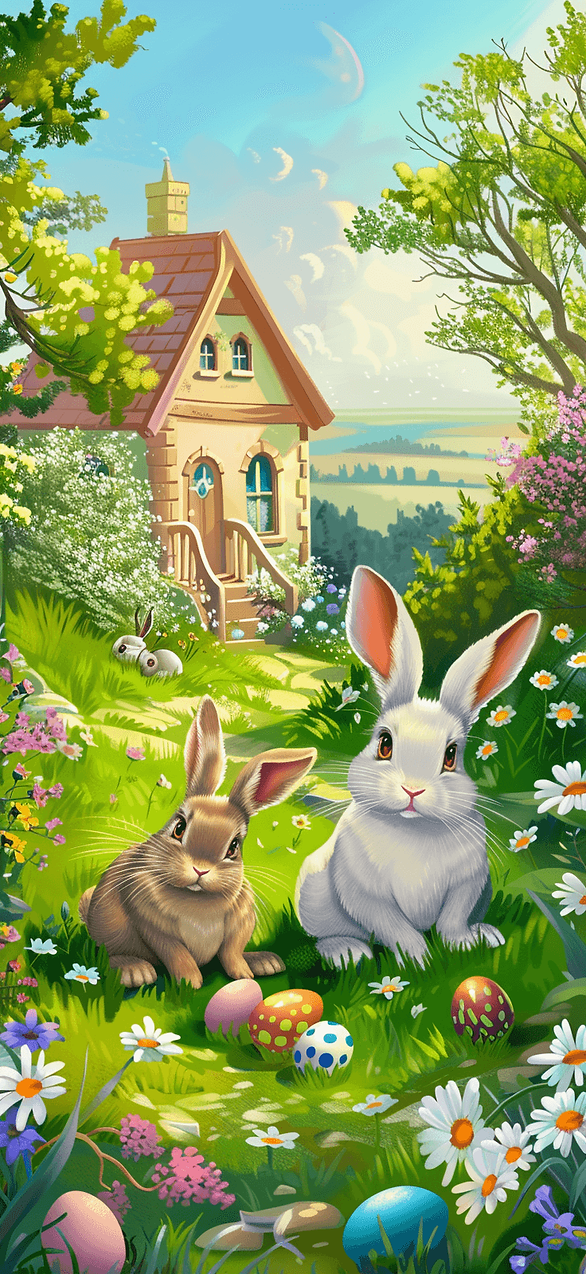
You’ll see painted eggs, soft pastel skies, and spring flowers in close-up. You’ll spot bunnies and chicks, yet they still look grown-up. Then a few faith-forward scenes show up, simple and peaceful.
Most people assume more detail means more pretty. I’ve found the opposite works on a phone. Clean shapes and gentle color make everything look sharper.
Meanwhile, lighting matters more than most people think. A wallpaper can look perfect at noon, then look harsh at night. So I like soft contrast and warmer tones.
If you tend to skim, try this trick. Pick one wallpaper that makes you stop scrolling. That quick little spark usually means you found the right one.
When you pick an Easter iPhone wallpaper, test it like a real person. Lock the screen, unlock it, and glance fast. If it reads well in one second, keep it.
Next, I save five favorites to one album, so I don’t hunt later. I set a bold lock screen, then a calmer home screen. That combo keeps the phone fun and usable.
Ready for the fun part? The next section breaks down themes, so choosing gets easier. And one theme always surprises people.












Create A Wallpaper Wardrobe Instead Of Picking Just One
Most people treat wallpaper like a one-and-done choice. I’ve found that an Easter iPhone wallpaper works better when it has a role. The lock screen can carry the pretty stuff. The home screen needs to stay useful.
That shift sounds small, yet it changes the whole experience. A detailed bunny, a basket of eggs, or a floral close-up can look amazing on the lock screen. Then the home screen can stay softer, cleaner, and much easier to read. Icons need room. Widgets need contrast. Notifications already make enough mess on their own.
Here’s the part I don’t see talked about enough. A phone screen does not need one perfect wallpaper. It needs a tiny seasonal wardrobe. That idea makes choosing faster and makes the phone look better all week.
I like building three options at a time. One should feel playful. One should feel peaceful. One should feel polished. That mix covers almost every mood without turning wallpaper changes into some giant project.
A playful option might use painted eggs, baby chicks, or pastel patterns. A peaceful one could be lilies, sunrise light, or a soft sky with open space. The polished choice might be linen, speckled eggs, and pale color in a clean flat lay.
Then each one has a purpose. Busy day? Pick peaceful. Need a little lift? Go playful. Want the screen to look neat and pulled together? Use polished.
Most people think choosing wallpaper is about taste alone. I think it’s more about function with personality. That’s a much better combo.
Once this clicks, the whole thing gets easier. She isn’t just saving random pretty pictures anymore. She’s building a spring screen lineup that actually works.

Themes That Make Choosing Easy
Some people pick the prettiest picture and call it done. I used to do that too. Then the icons disappear, and the charm fades.
First, pick a theme that matches your mood, not just the holiday. Cute works great, yet calm can look even better. A phone screen loves simplicity.
Next, think about what you want the wallpaper to do. Do you want soft and soothing? Do you want bright and playful? That one choice narrows everything fast.
Here are theme “lanes” that tend to work on real phones:
-
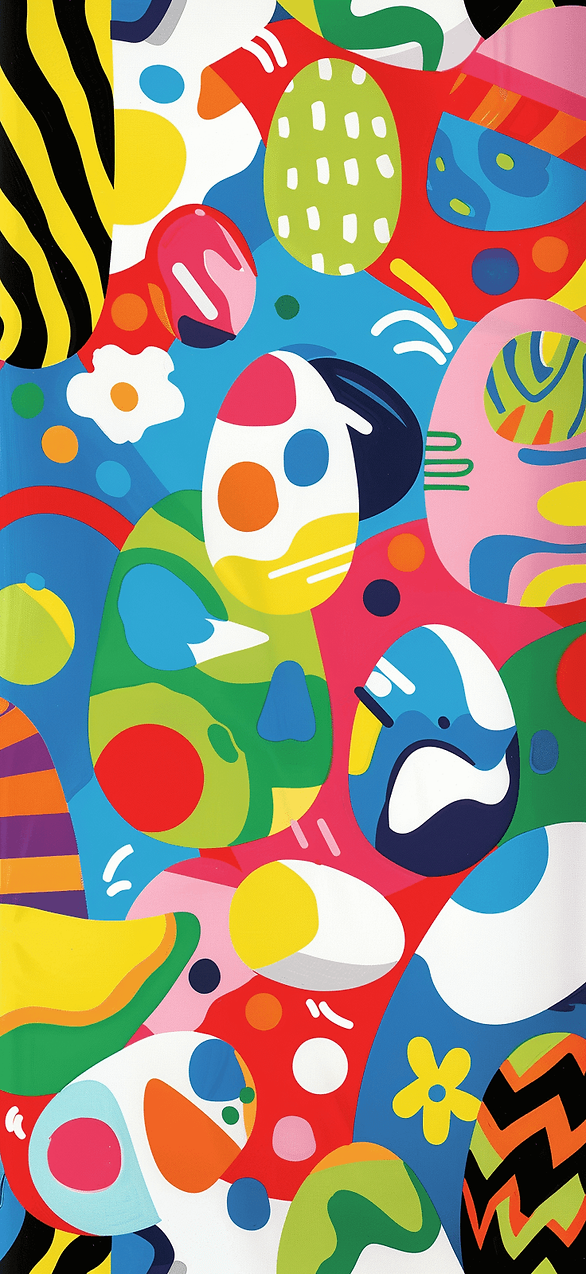
Egg Patterns With Space
Try a few eggs with clean background space, not a full busy grid. -
Bunny Or Chick Close Ups
Pick one subject, then keep the background blurred. -
Spring Florals Up Close
One flower in focus looks sharp and stays readable. -
Pastel Skies And Soft Gradients
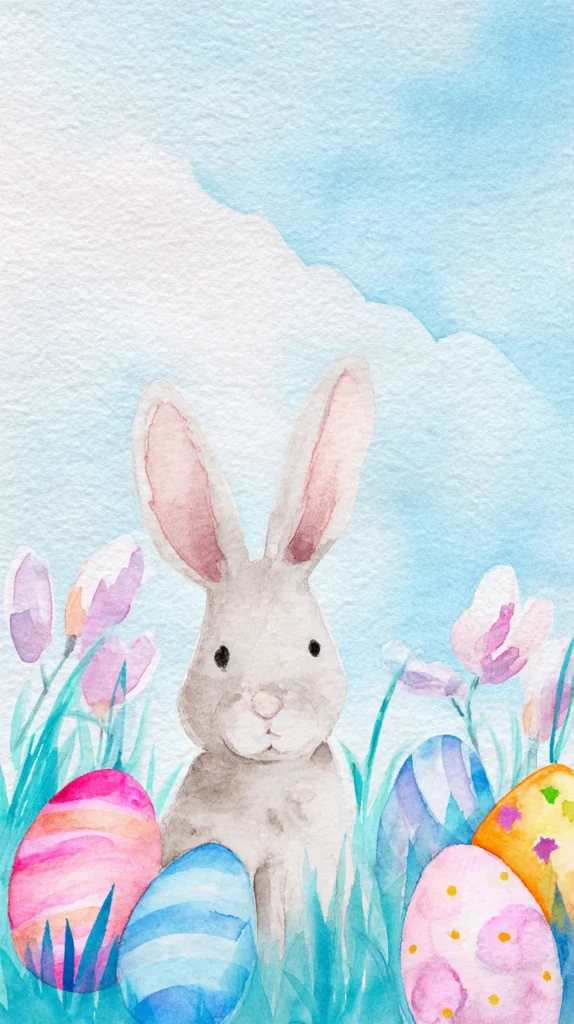
These make icons pop and keep the screen calm. -
Faith Forward Minimal Scenes
A cross silhouette or lilies can look peaceful and polished. -
Easter Table Moments
Linen, eggs, and soft light can look cozy without being childish.
Most people assume themes lock them into one style. I’ve found themes give freedom. Once you pick a lane, you can test five options fast.
Meanwhile, don’t forget the lock screen trick. A detailed photo can work there. A simpler background can work better behind apps.
When an Easter iPhone wallpaper makes you squint, skip it. When it makes you smile in one second, save it. That quick reaction matters more than people admit.
In a minute, I’ll share the “odd” theme that ends up being a favorite. It sounds boring at first, then it looks stunning.

The Odd Themes That End Up Being Favorites
These are the themes people skip at first. They sound plain. They sound random. Then they look insanely good on a phone screen.
First up, white space wallpapers. That’s it. Clean background, one small focal point, and lots of breathing room. Most people think it’s too simple. I’ve found it makes your apps look cleaner and your screen look newer.
Next, try a shadow and light theme. Think soft window light over eggs, a basket, or flowers. The subject can stay subtle, and the lighting does the work. It looks calm and expensive without trying hard.
Then there’s tone on tone pastels. This isn’t a rainbow Easter vibe. It’s one color family, like blush on blush, or sage on sage. People assume it will look boring. Yet it reads beautifully behind icons.
Another surprise is flat lay texture. Linen cloth, woven baskets, speckled eggs, and a little greenery. No clutter, no chaos, just texture. It gives cozy without looking like a kid’s party table.
One more that sneaks up on people is soft blur backgrounds. Not blurry in a cheap way, more like a gentle bokeh look. It keeps the mood springy, and it keeps your screen readable. Win-win.
If you’re stuck, pick two odd themes and test them back-to-back. Screenshot your home screen on each one. You’ll know fast which one looks better.
Ready for the practical part? Next up is how to change your wallpaper on iPhone and Android, so you can swap these in seconds.


How To Change Your Wallpaper On iPhone And Android
Swapping your wallpaper takes less time than reheating coffee. I do it when my screen starts to look stale.
First, save the image you want into your Photos or Gallery app. Next, pick one that leaves space for icons. That one step saves so much frustration.
Here’s the quick path for both phones:
- iPhone steps
- Open Settings, then tap Wallpaper.
- Tap Add New Wallpaper, then choose Photos.
- Pick your image, then pinch to zoom and position it.
- Choose Lock Screen, Home Screen, or Both.
- Tap Add, then set it, and you’re done.
- Android steps
- Press and hold an empty spot on your home screen.
- Tap Wallpaper and style or Wallpapers.
- Choose My photos or Gallery, then pick your image.
- Adjust the crop, then set it for Home, Lock, or Both.
- Tap Set wallpaper, then check it with your icons.
Then do a quick test run. Lock the phone, unlock it, and glance fast. If it looks busy, zoom out or pick a cleaner image.
Most people think they need one perfect background. I keep a small rotation instead, and I swap when my mood shifts.
If you’re setting an Easter iPhone wallpaper, try a bold lock screen first. Keep the home screen calmer, so your apps stay easy to read.
Up next, final thoughts that make this whole thing oddly satisfying.




A Fresh Screen And A Better Mood
Some days, my phone looks like a cluttered junk drawer. That’s when I know I need a quick reset.
So I scroll, save a few favorites, and test them like a picky shopper. The right image makes my brain exhale.
Meanwhile, I notice my mood shifts when the screen looks calm. Tiny thing, big difference.
Then I catch myself smiling at a bunny or a soft sunrise. It’s silly, yet it works.
Next, I swap in one Easter iPhone wallpaper and let it carry the season for me. My messages still stack up, but the screen looks lighter.
After that, I stop chasing perfect and start chasing easy. Clean space and soft color win almost every time.
Living in Orlando, the spring sun hits my screen early and bright. Pastels and simple photos hold up best here.
Still, I don’t overthink it anymore. I keep a small album, and I rotate when the vibe changes.
Later, I’ll spot a new idea on Pinterest and save it for next week. That little stash makes me weirdly happy.
In the end, it’s not about decorating a phone. It’s about giving yourself one small nice thing on purpose.
And yeah, she deserves that kind of reset.