It hits me every spring when my phone wakes up before I do. My screen flashes last season, and I sigh. I can juggle errands, but I hate a dull lock screen.
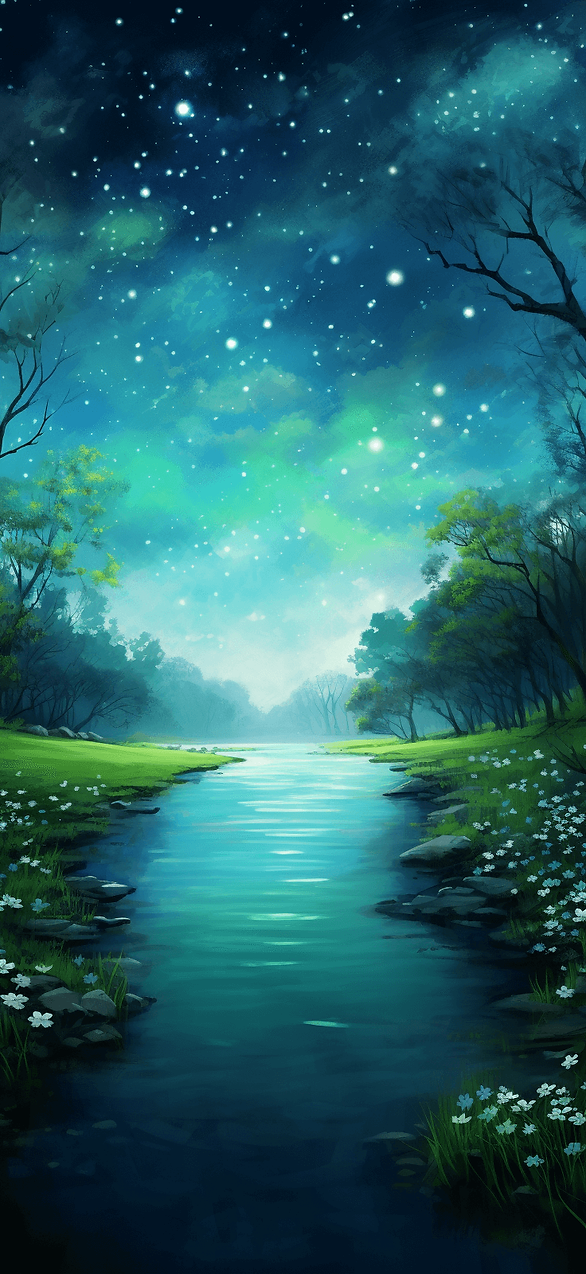
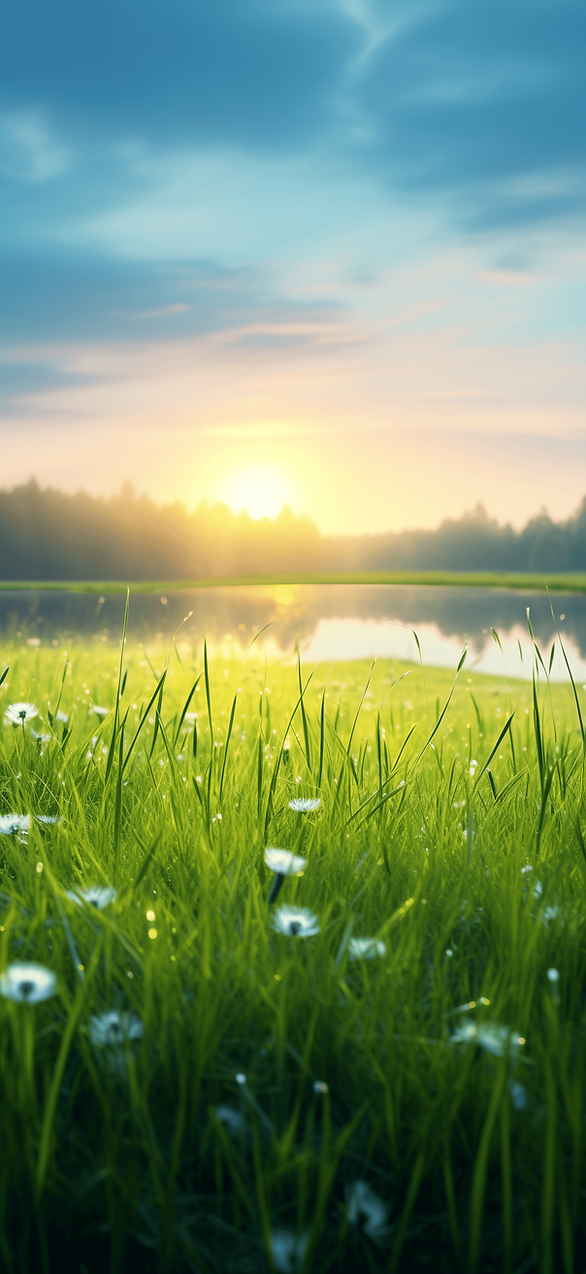
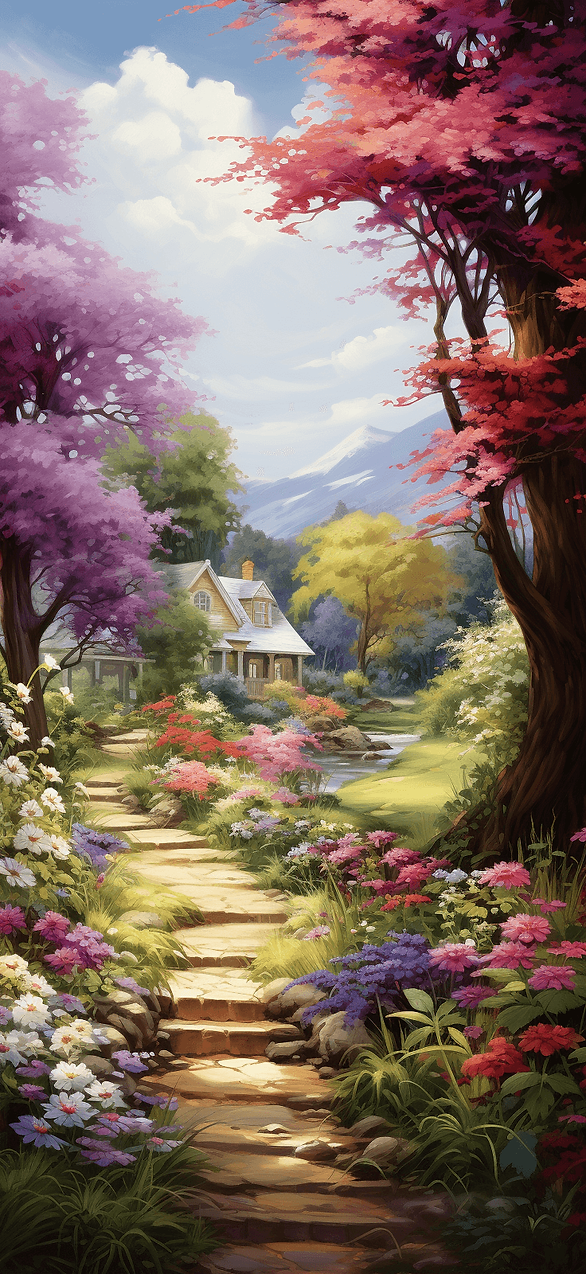
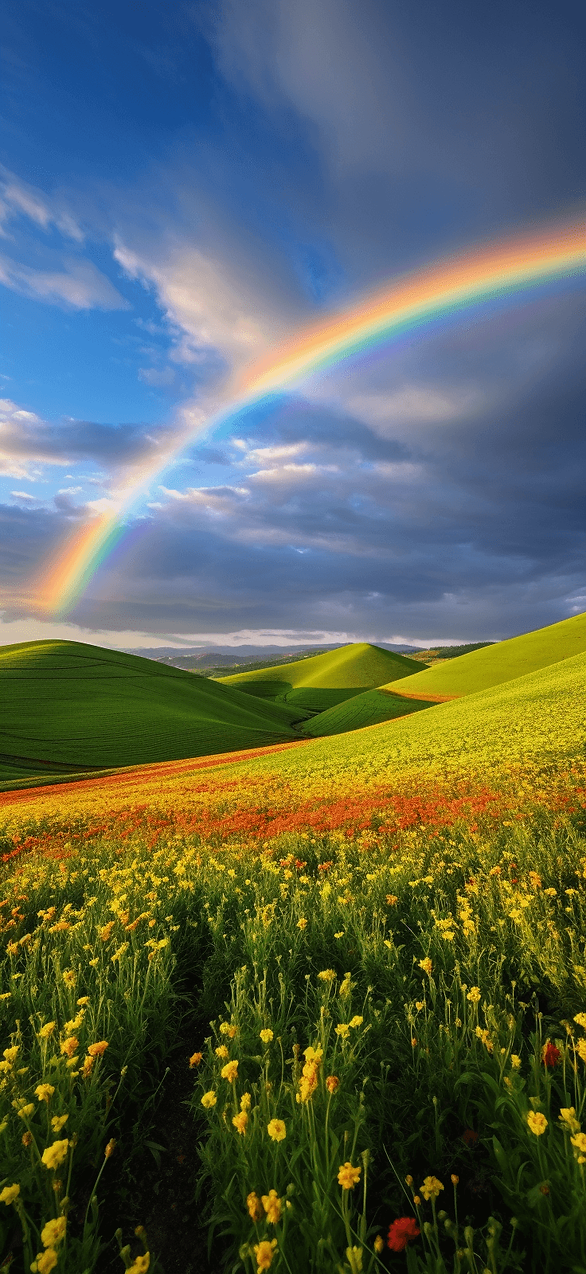
Aesthetic spring iPhone wallpaper fixes that fast, and it costs zero brainpower. I’ve found a clean screen makes my day look cleaner. Meanwhile, the alerts stay rude, but they land on something pretty. Aesthetic spring iPhone wallpaper makes checking the time less annoying.
Living in Orlando makes spring extra dramatic, because the sun spotlights every smudge. Pollen floats around like glitter nobody requested. So I want my phone to match the bright outside energy.
Here’s the funny part. I will reorganize a drawer to avoid making one small decision. Yet I will stare at a bland wallpaper all week. That makes zero sense, and I know it.
So I built this like a spring tasting menu. You scroll, you spot your vibe, and you save what you like. Then your screen stops looking like yesterday.
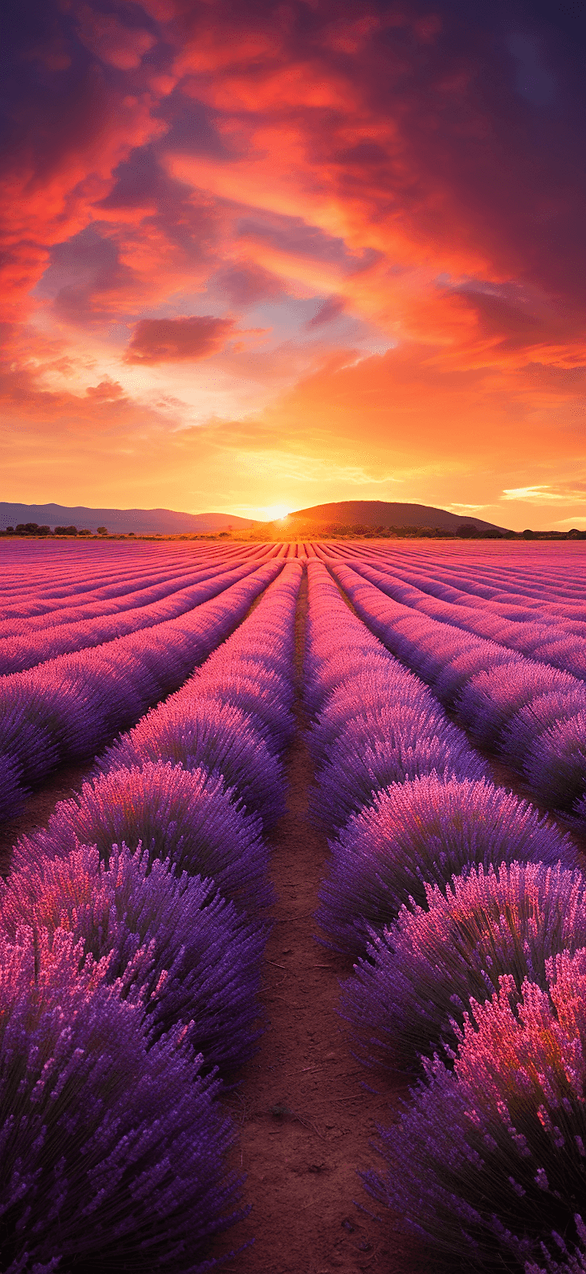
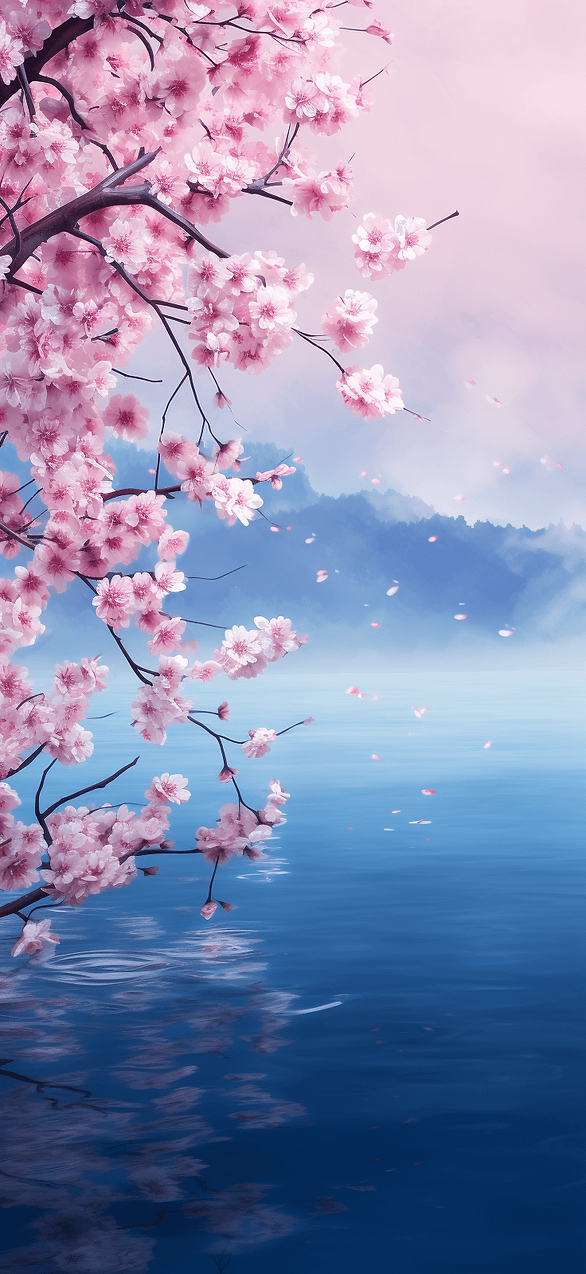
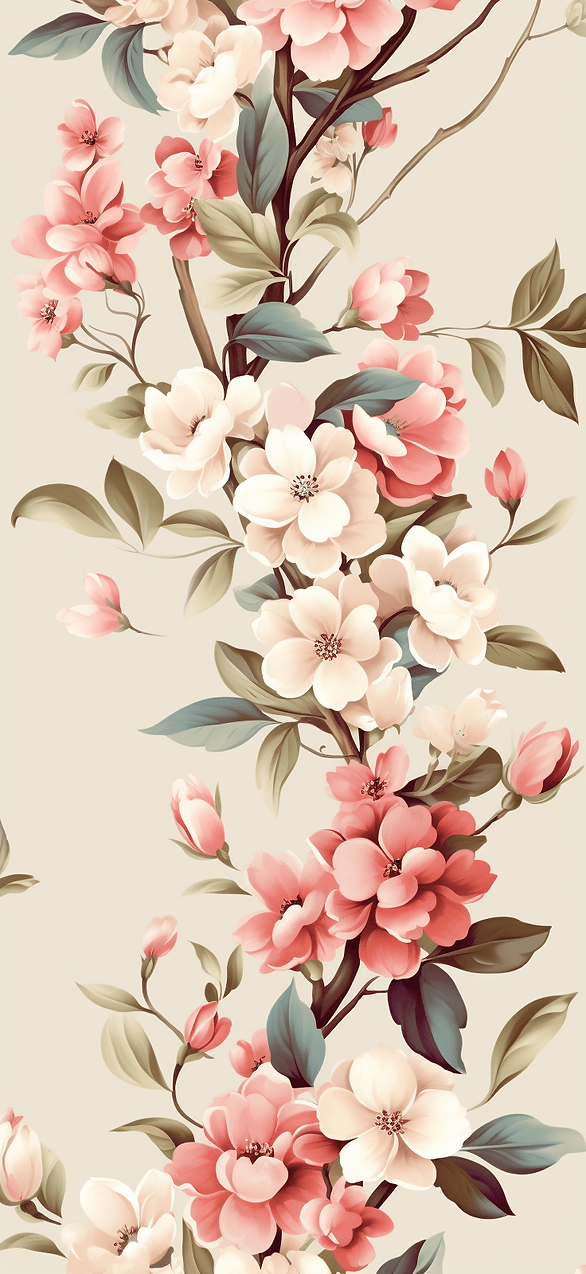
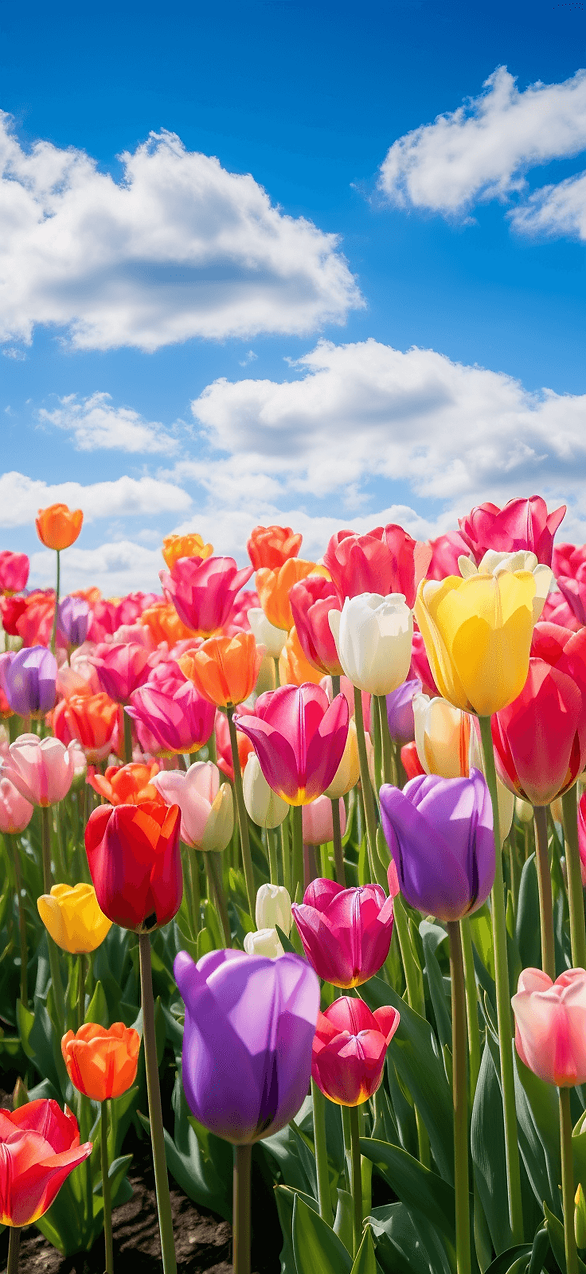
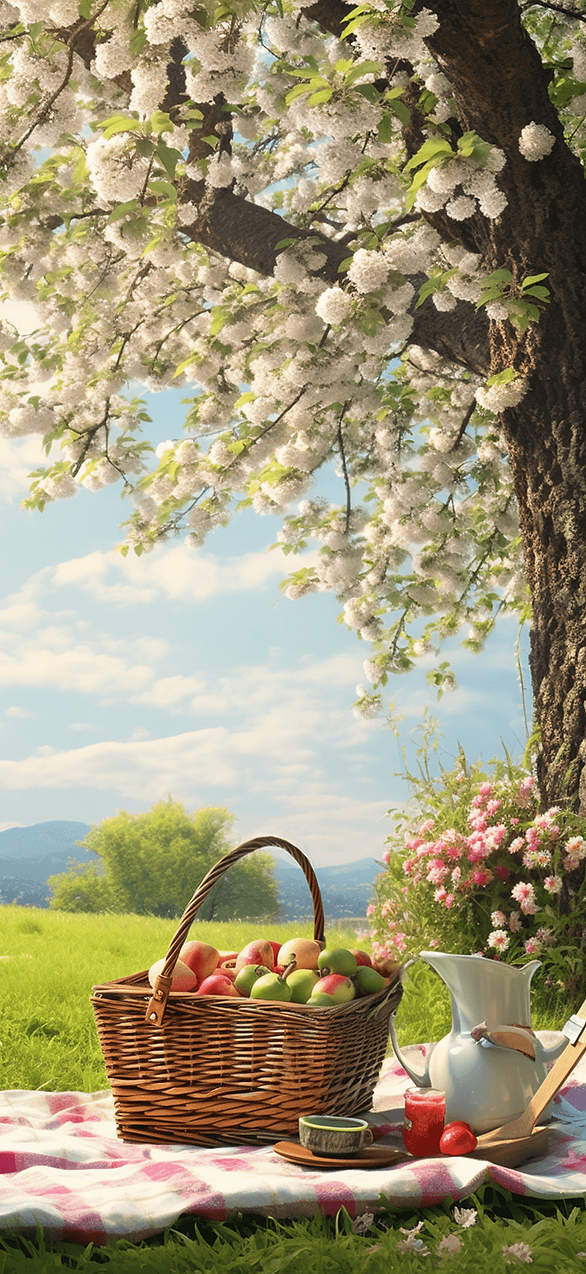
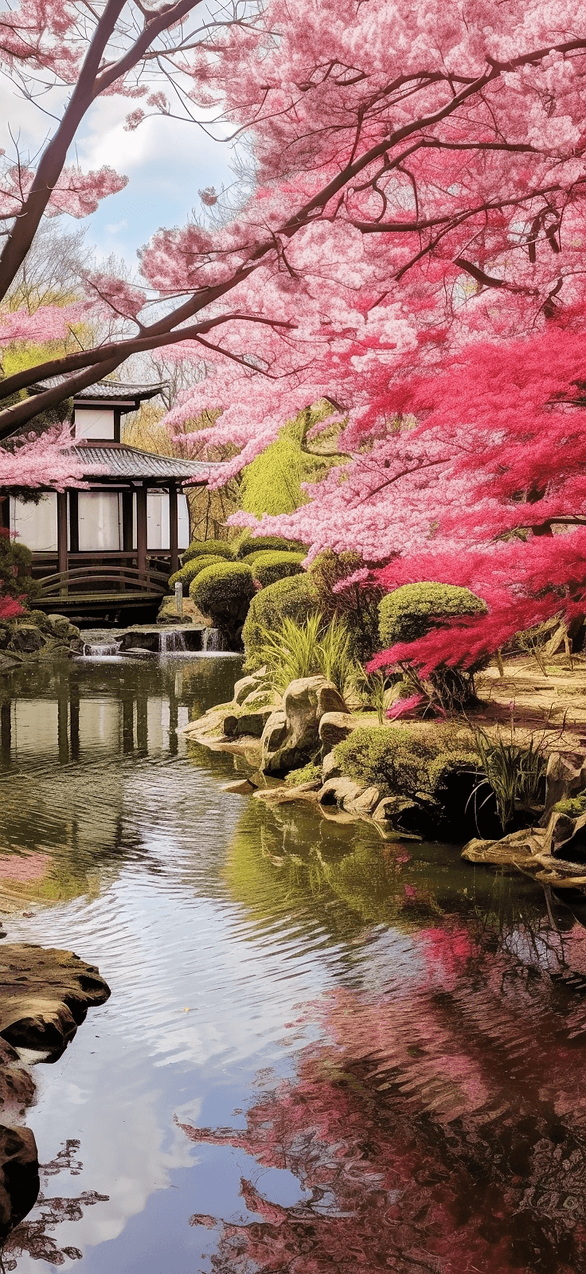
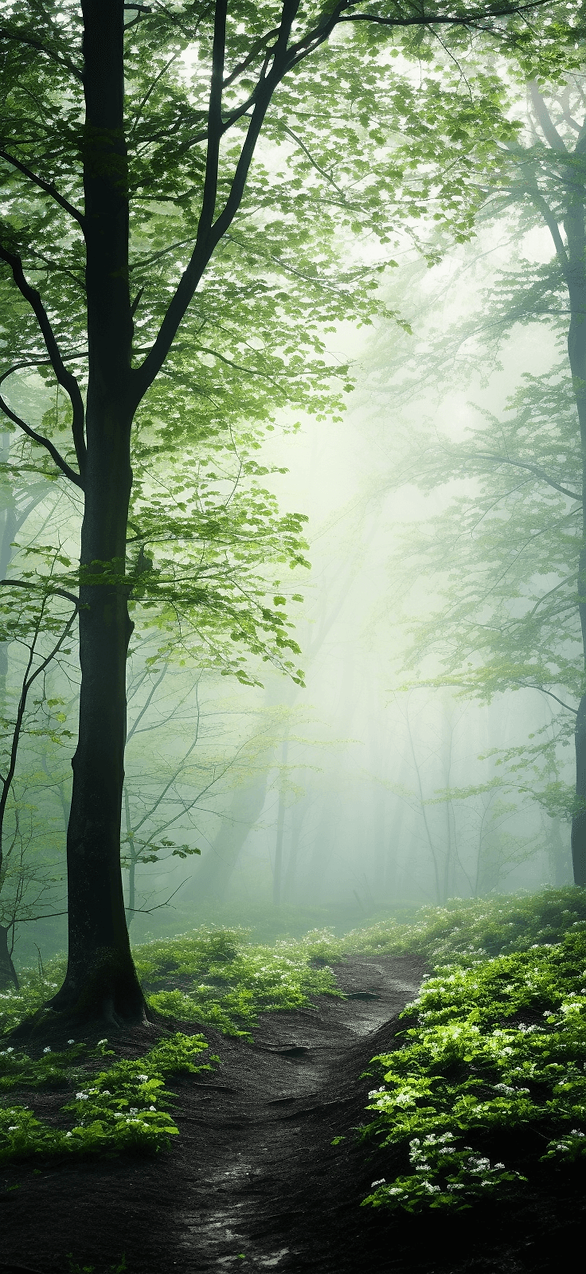
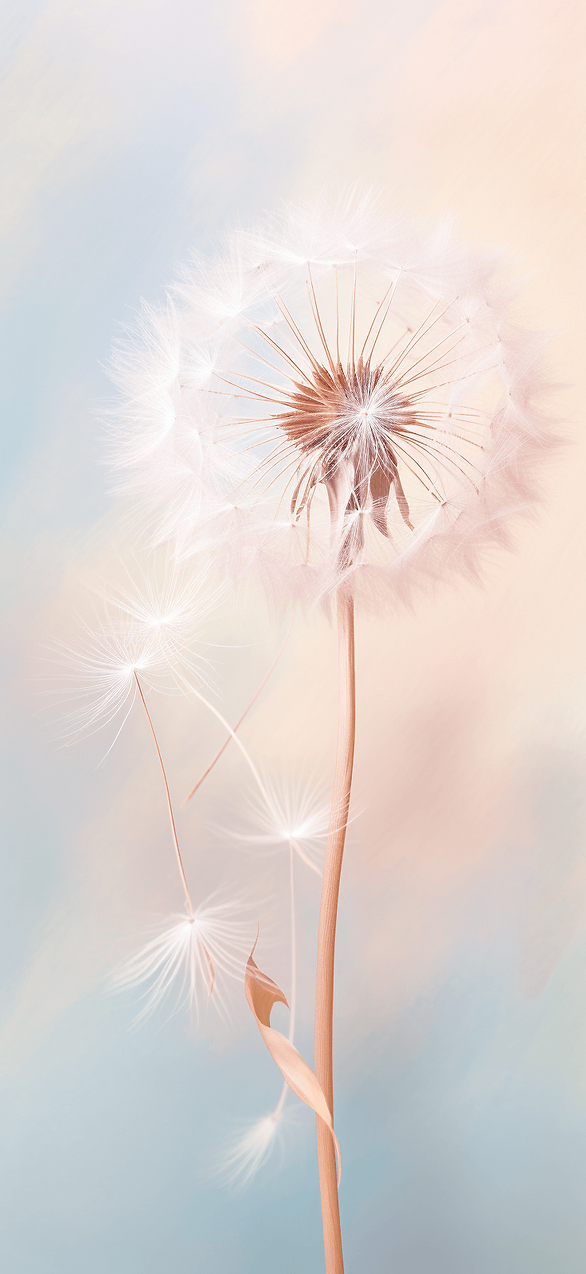
This post gives you spring wallpaper designs you can grab right here. I am not sending you off to make your own. And I am also not asking you to use a photo you already took.
Some designs lean soft and calm. Other picks go bold and a little spicy. A few look so polished they could pass as a boutique label.
You’ll also get the easy steps to set each design on iPhone and Android. That part stays simple because I refuse to suffer in settings menus. Keep scrolling, because one style later looks basic at first, then flips your whole screen.
Aesthetic Spring iPhone Wallpaper That Looks Boutique
Some spring wallpapers look like clipart from a dusty folder. I can spot it in one second. Clean designs breathe, and messy designs shout.
I’ve found boutique-looking wallpapers share three things. They use quiet backgrounds, crisp line work, and one strong accent. So your screen looks styled, not busy.
Start with the minimalist designs in this group if you love calm. Look for warm white, soft cream, or pale blush backgrounds. Then notice how the art stays off to one side.
Here are the boutique style looks to watch for. They stay clean, not busy.
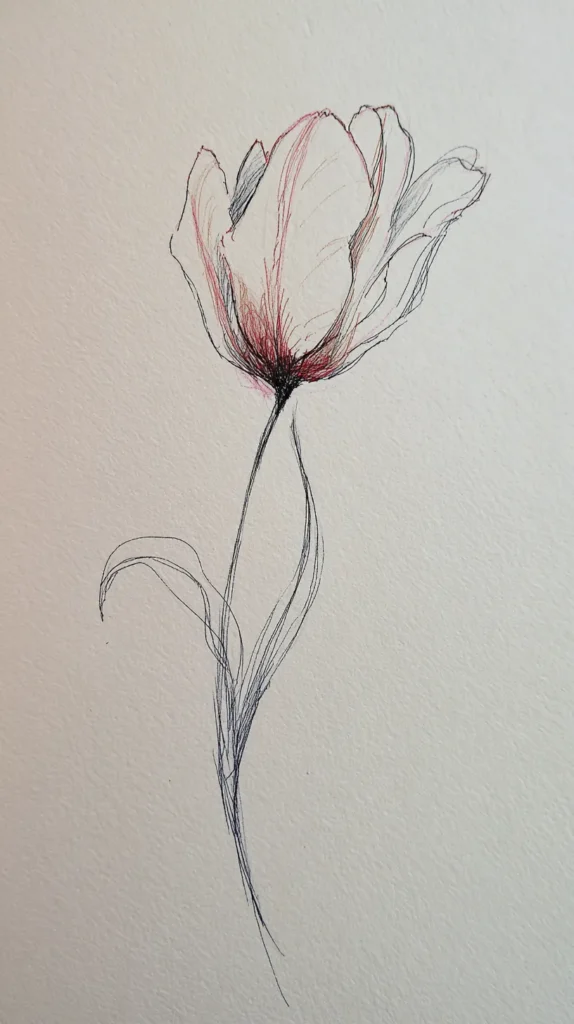
- A thin tulip sketch with lots of blank space
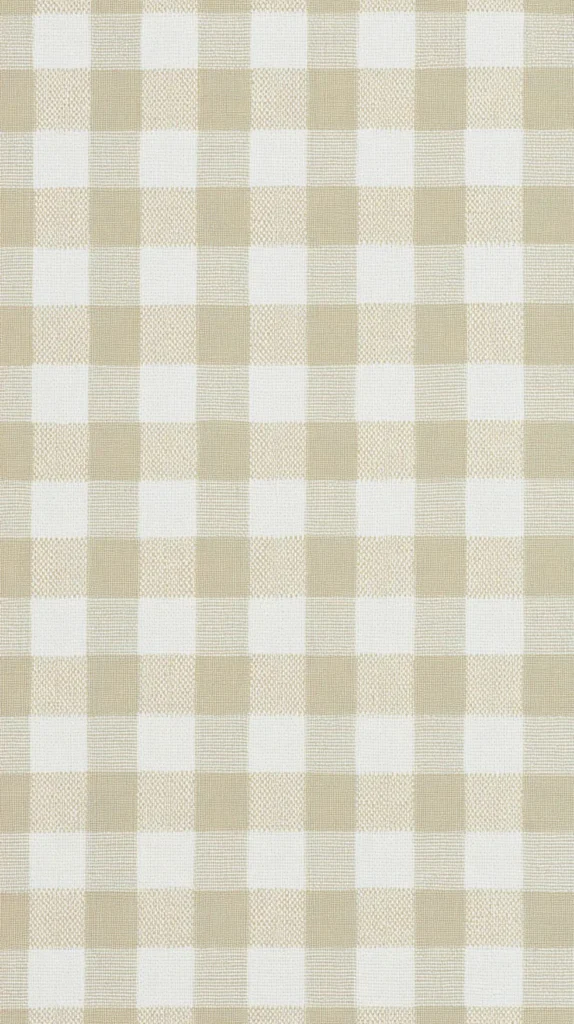
- Soft sage gingham with a narrow border frame
- A single lemon branch tucked low on clean white
- A pale sky gradient with a tiny sun outline
- A light marble texture with subtle peach veining
- A ribbon bow doodle in one corner on warm ivory
Here’s my spicy take. Busy backgrounds make apps harder to read. Your eyes work harder, and you get nothing back.
So start simple, even if you love color. Then add brightness later, once your screen looks calm. That shift gives you relief, and it looks richer.
Aesthetic spring iPhone wallpaper also looks best when the main art stays below the clock. That tiny detail makes the whole layout look intentional. I tend to notice it right away on other phones.
If you want a quick win, pair one boutique Lock Screen with a plain Home Screen. Your icons stay readable, and your wallpaper still gets the spotlight. Keep scrolling, because florals are next, and I have opinions.
Pastel Florals With Attitude
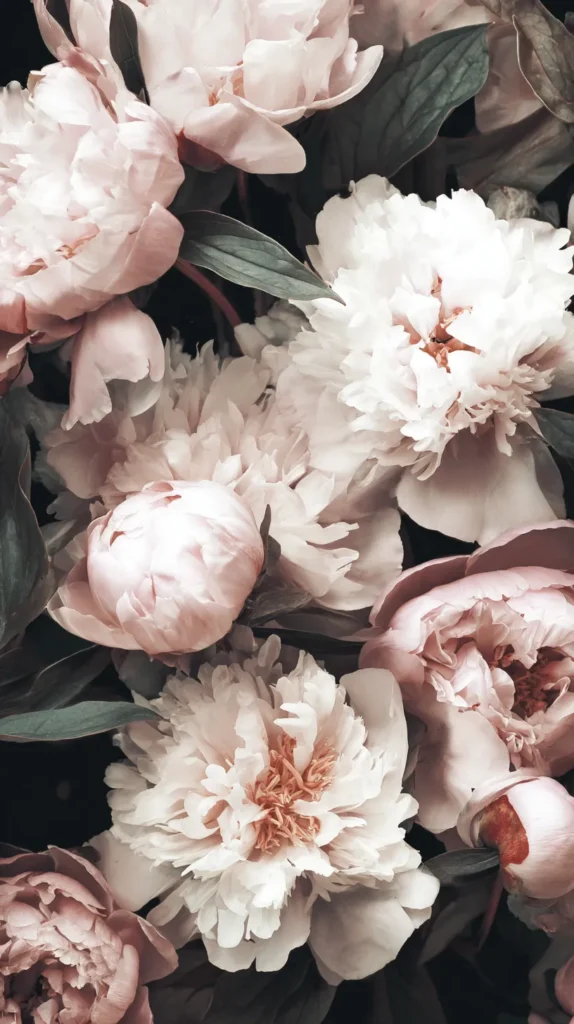
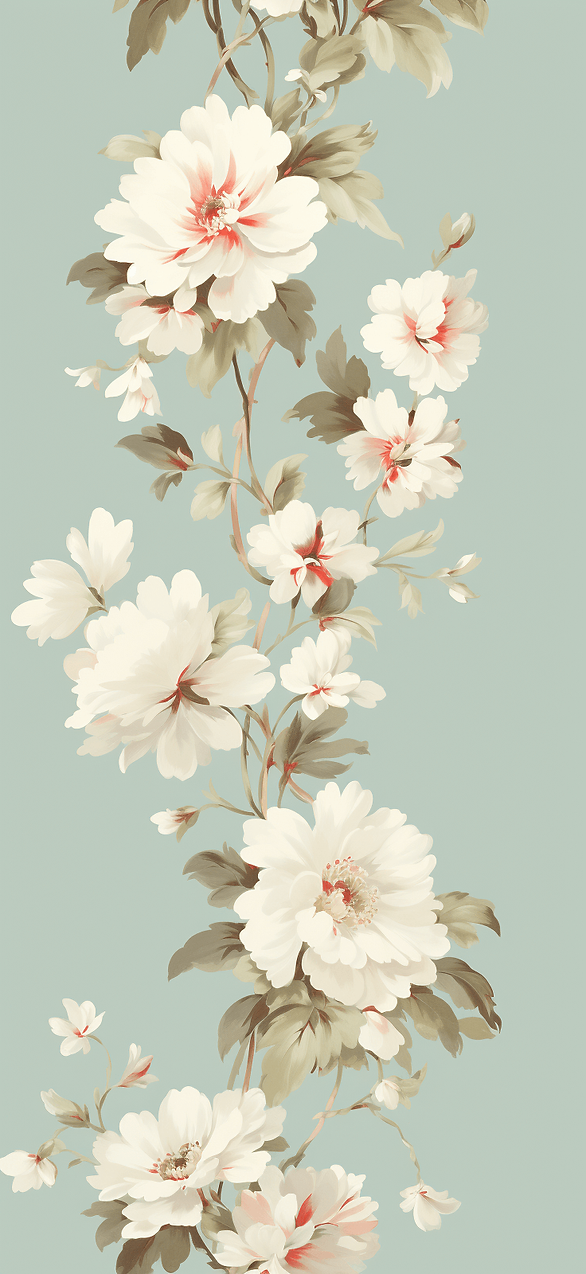
Florals can look grown, not childish. That’s my whole point here. I tend to notice the spacing before I notice the petals.
Big blooms work when the background stays quiet. Tiny flowers work when the pattern stays tidy. Either way, the design needs breathing room.
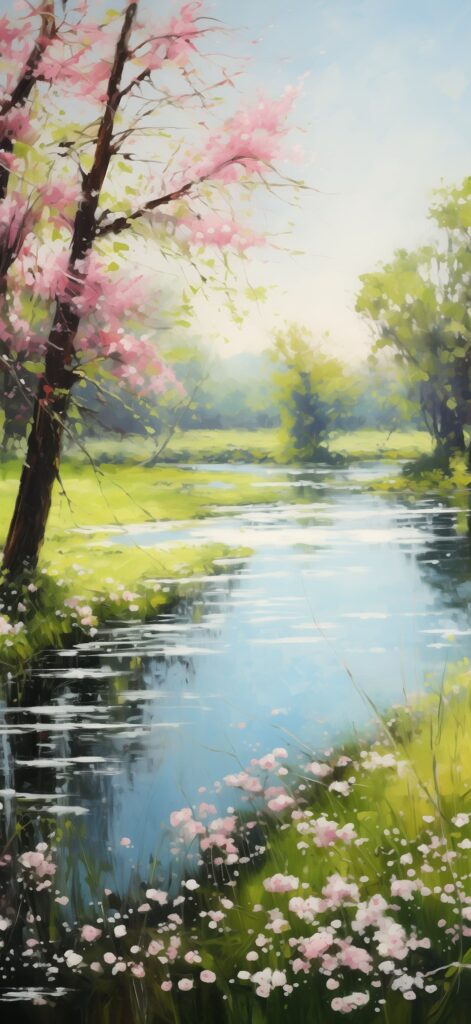
On this page, you’ll see a few floral directions. Some look watercolor and airy, with soft edges and washes. Others use tiny daisies or scattered wildflowers, which sounds basic, but looks polished.
Vintage botanical florals hit differently too. They look like an old book page, but cleaner. That contrast makes the design look curated, not fussy.
Soft pastels also help your icons stand out. Dark app labels stay readable on pale backgrounds. So you get pretty and practical at the same time. Aesthetic spring iPhone wallpaper with florals works on pale backgrounds.
Here’s the twist people miss. Delicate details can look more modern than bold prints. People assume louder equals newer, but clean equals current.
If you like widgets, choose a floral that leaves open space near the clock. For clutter haters, pick the design with flowers pushed low. Your time stays readable, and the whole screen looks calm.
I’ve found florals look best when icons do not sit on top of petals. So I set florals on my Lock Screen first. Then I keep my Home Screen calmer and simpler.
In one sentence, spring iPhone wallpaper can stay aesthetic and floral at the same time. It just needs space to breathe.
Also, don’t over zoom. Zooming makes flowers look blurry, and that ruins the polish. Keep the crop gentle, and let the design sit wider.
Now, if florals are not your thing, you are not alone. The next vibe brings citrus energy, and it feels like sunshine with boundaries.
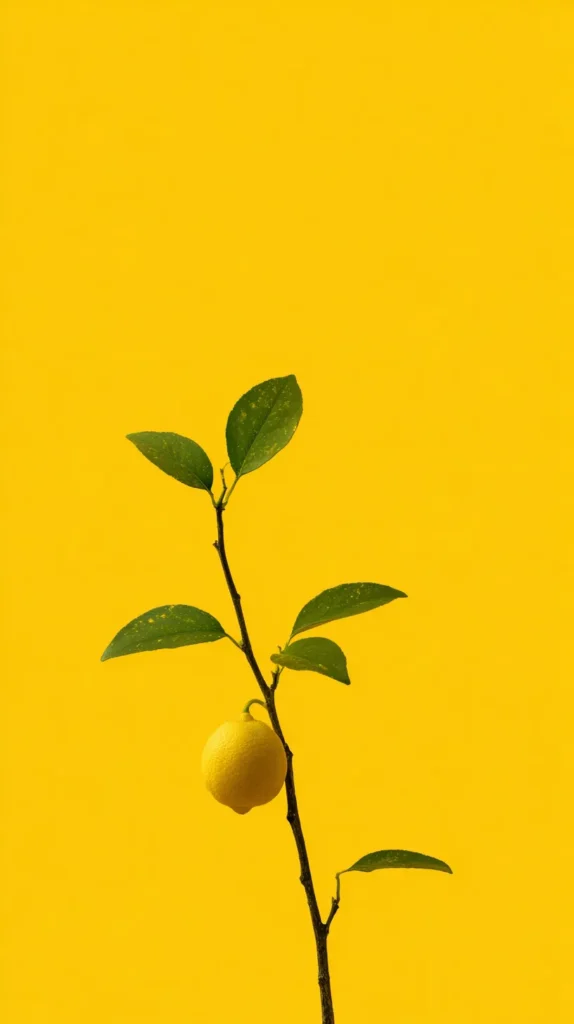
Aesthetic Spring iPhone Wallpaper With Bright Citrus Pop
Citrus wallpapers act like instant caffeine. They look cheerful, crisp, and awake. So your phone stops looking like winter leftovers.
I’ve found citrus works best with tight color limits. Two main colors and one accent keeps it clean. Too many shades makes it look loud.
If you want a happy screen without chaos, start here. Citrus prints add movement, because your eye follows the slices. That little motion keeps the design interesting.
Here are the citrus styles to look for in the designs on this page. Each one reads bright, but still tidy.
- Lemon slices scattered on bright white with tiny green leaves
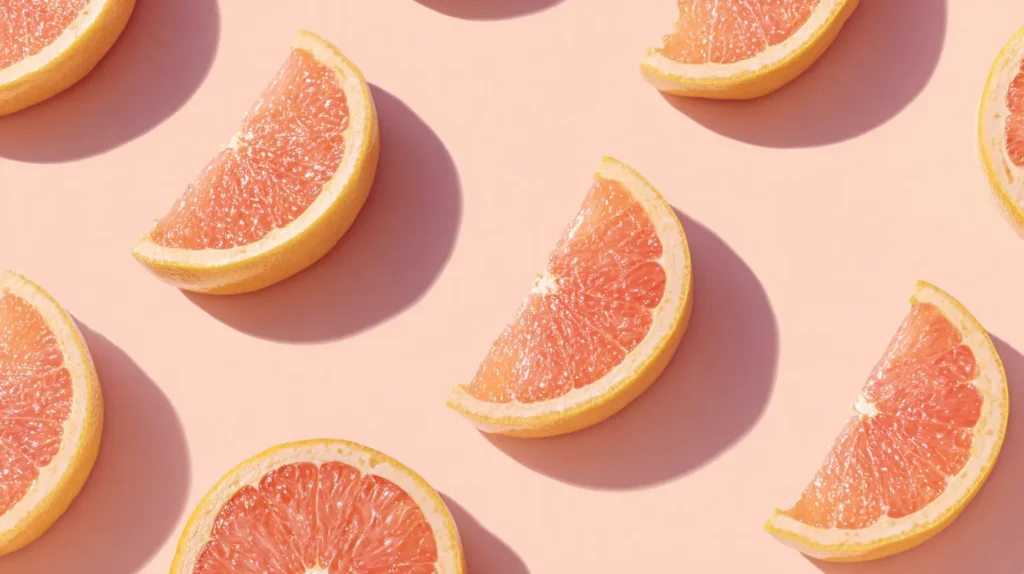
- Grapefruit half moons on pale pink with glossy highlights
- Orange blossom branch with buds on soft cream background
- Muted lime checkerboard with a slightly retro vibe
- Citrus postage stamp grid with tidy spacing and paper texture
- A single lemon outline with a bold yellow corner block
Now for the assumption flip. Bright does not mean chaotic. A clean citrus print can look calmer than a dark wallpaper.
Try this contrast if you want instant polish. Set citrus on your Lock Screen, then set a plain Home Screen. That split makes icons readable, and the fruit looks brighter.
Then your Home Screen stops competing for attention. Your eyes get a tiny break, which matters.
In one sentence, aesthetic spring iPhone wallpaper can be bold in color and still refined. The trick sits in spacing, not shade.
Also, avoid heavy zoom on fruit designs. Zooming turns crisp slices into blurry blobs. Nobody wants blurry blobs on purpose.
If citrus still feels too loud, pick orange blossoms first. That style reads soft, but still happy. Next, let’s go quieter with garden neutrals.

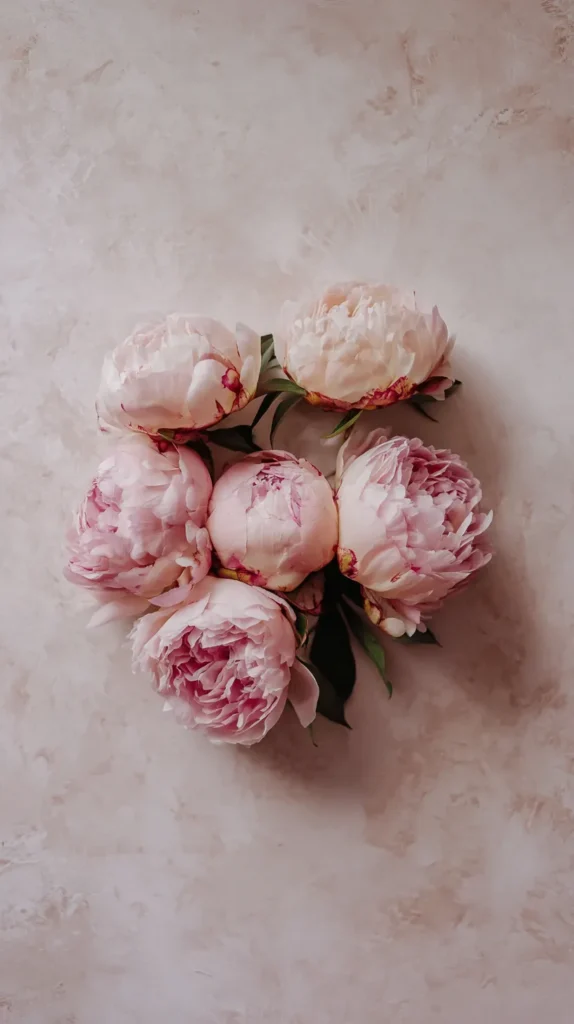
Calm Garden Neutrals For Busy Brains
Some days, I want my phone to stop yelling at me. Neutral wallpapers help with that. They calm the screen without making it boring.
I’ve found neutrals look best when texture shows up gently. Linen, paper grain, or soft shadow detail adds depth. Then a tiny leaf or stem adds spring without noise.
Pressed petal corners look elegant and quiet. Simple arch line art looks modern and clean. Eucalyptus sprigs look fresh and slightly spa like.
Warm neutrals look softer on most screens. Cool gray neutrals look sharper and more modern. So pick based on your case color and your icon style.
Here’s a small trick I use. I choose neutrals with one tiny accent color. A hint of blush or sage keeps it springy without noise.
Here’s the reframe. Plain can read as luxury. Clean neutrals look intentional, like you own matching hangers.
A neutral wallpaper also makes screenshots look better. Your texts look crisp, and your calendar blocks look less aggressive. That tiny change can make your phone easier to use.
I tend to tap less when the background stays calm. A loud screen invites more tapping. Meanwhile, a quiet screen makes the phone less tempting.
In one sentence, spring aesthetic iPhone wallpaper can look expensive with beige and one leaf. That sounds silly, but it works.
If you want balance, pair a neutral Home Screen with a brighter Lock Screen. That way you get calm all day, and a pop when you unlock.
Also, neutrals make your photos look nicer in previews. Your screen suddenly looks curated. Next, we get playful with patterns, but we keep them grown.
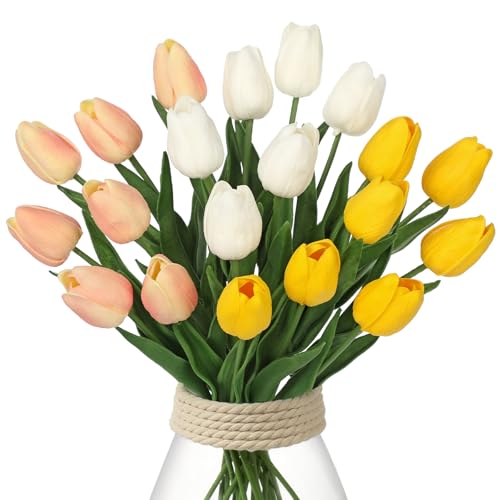
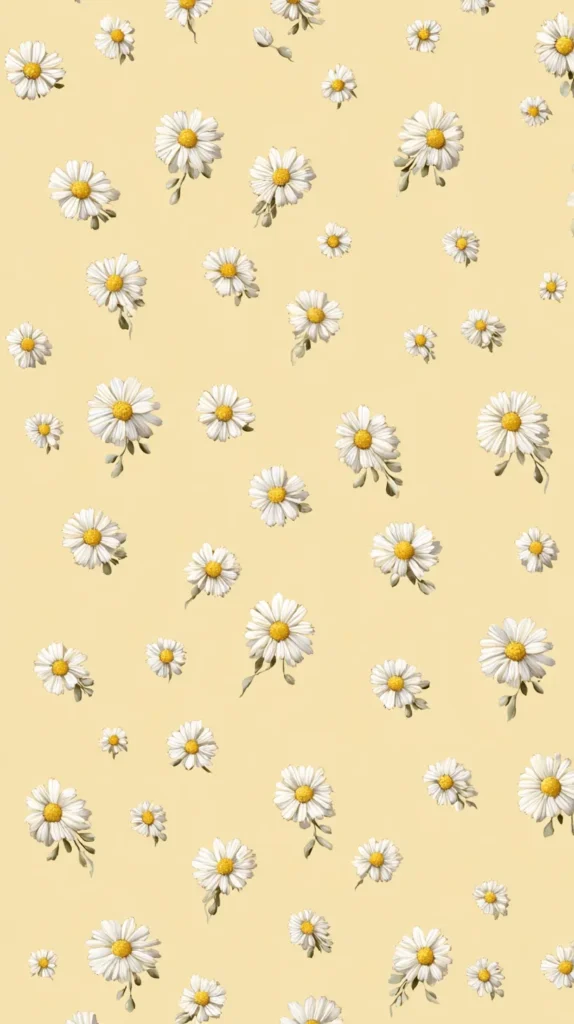
Aesthetic Spring iPhone Wallpaper With Playful Patterns
Patterns can look cute or chaotic. There is no middle. So I keep patterns on a short leash.
I’ve found the best patterns use soft shapes and generous spacing. When a pattern breathes, your apps look calmer. Crowding makes your brain get tired.
If you want a pattern that still looks grown, focus on repeats. Small repeats hide icon mess. Big repeats fight with your screen.
Look for these pattern styles in the wallpaper designs here. They behave behind icons.
- Micro gingham in pale blue with a thin border frame
- Soft stripes in sage and cream with tiny dot accents
- Blush wave lines that look smooth, not jagged
- Low saturation rainbow arches with tidy repeats
- Daisy checkerboard with plenty of blank background
- Tiny hearts in muted coral, spaced far apart
Here’s the surprise opinion. Patterns can make a busy Home Screen look calmer. The repeat acts like visual glue.
Now the assumption flip. Smaller patterns can look cleaner than big ones. Large prints fight with icons. Tiny repeats sit behind them.
In one sentence, aesthetic spring iPhone wallpaper looks smarter when the pattern includes a border. That border makes it look designed.
If you want the safest pattern, choose pale gingham. For more movement, choose soft waves. Stripes work when you keep them wide and muted.
In one more sentence, spring iPhone wallpaper can stay aesthetic with patterns and still look clean. Gentle color plus space does the work.
Try a pattern on Home Screen and a plain Lock Screen. That contrast keeps your clock clean. Patterns look sharper when you lower brightness slightly.
If you hate patterns, pick the soft waves. They read calm, not cute. Next, we go airy with sky and cloud vibes.
Sky Vibes That Keep Your Screen Open
Not every spring day is sunny. Some days look soft and moody. Sky wallpapers match that energy without dragging you down.
I’ve found sky designs work because they create open space. Open space makes notifications look less intense. It also keeps your clock easy to read.
On this page, look for gentle gradients and pale cloud shapes. Misty morning tones look calm and dreamy. Tiny details like a thin moon add charm without clutter.
Here’s the reframe. Moody can still be spring. People act like spring must be loud. Meanwhile, the sky stays unpredictable.
I tend to like clouds when my week gets chaotic. A calm screen makes my brain unclench a bit. That sounds dramatic, but it tracks.
Here’s another assumption flip. People think dark wallpapers save battery and look sleek. Yet many dark skies make the screen look heavy.
A light sky background can look cleaner and more modern. It also makes your phone look bigger. So don’t fear the pale blue option.
If you want cozy, choose a foggy gray-blue sky. For a hopeful look, choose a sunrise peach gradient. To keep it clean, choose a simple pale blue cloud design.
In one sentence, aesthetic spring iPhone wallpaper can be sky-themed and still fresh. Airy space counts as a design choice.
One more tip helps here. Keep the sky horizon low on the screen. That leaves the clock sitting on clean color, which looks crisp.
If you want extra polish, pair a sky Lock Screen with a neutral Home Screen. The contrast looks intentional, not random.
Next, I’ll make the iPhone setup painless. iPhone settings can get bossy, but we can outsmart them.
Set Aesthetic Spring iPhone Wallpaper On iPhone Fast
Let’s keep this simple, because settings menus love drama. First, save the wallpaper image to Photos from this post. Next, open Settings and tap Wallpaper.
Tap Add New Wallpaper, then choose Photos. Pick your design, and adjust the crop. Keep the main art away from the time at the top.
If petals or patterns block the clock, nudge the image down. When a design looks blurry, stop zooming. Wide crops look sharper on most iPhone screens.
Also, turn off Perspective Zoom if the image shifts. Motion can warp clean lines and soft text. A still wallpaper looks more crisp and expensive.
Now choose how it lands. Tap Add, then pick Set as Wallpaper Pair if you want both screens matching. Otherwise, choose Customize Home Screen and keep the Home Screen calmer.
Here’s the small trick I always use. I check the preview with notifications turned on. If the text looks messy, I switch to a lighter design.
Then I tweak the clock style once. Changing the font can make the wallpaper look more balanced. It’s a tiny move with a surprising payoff.
Aesthetic spring iPhone wallpaper looks best when the subject sits below the time. That one choice makes it look designed instead of accidental. I tend to notice it immediately when I unlock.
If your iPhone offers wallpaper shuffle, use it with a short list. Three designs works better than ten. Too many options turns fun into stress.
Finally, keep widgets minimal on busy wallpapers. Clean space lets the art shine. That keeps your icons readable all day.
Next, Android gets its turn, and Android has one setting people miss.
Android Setup That Keeps Colors Crisp
Android makes wallpaper setting easy, but every brand hides it differently. I’ve found the fastest path starts with a long press. Press an empty spot on your Home Screen.
Then tap Wallpaper and style, or Wallpapers, or something similar. Pick My photos or Gallery, then choose the saved wallpaper image from this post. Adjust the crop, and set it for Lock Screen, Home Screen, or both.
Now here’s the setting people miss. Some Android phones apply an automatic color filter. That filter can dull colors and soften details.
Also, Dark mode can change how wallpapers look. Some phones add extra contrast automatically. That means a soft pastel can suddenly look harsh.
So if your wallpaper looks muted, check Display settings. Switch between Natural and Vivid modes. Pick the one that matches your eyes and your case.
Here are quick fixes if something looks off. Most problems come from one setting.
- Turn off scrolling wallpaper if it shifts when you swipe
- Download the larger file if the image looks grainy
- Remove launcher blur if it makes the art look foggy
- Re crop so the main design sits below the clock
- Change icon contrast if labels disappear on darker designs
- Turn off any auto tint that changes colors at night
In one sentence, aesthetic spring iPhone wallpaper still looks great on Android screens. The image does not care what phone you use.
I tend to preview Lock Screen first, then set Home Screen second. That order helps me catch weird crops. If a design looks too loud, I choose a calmer Home Screen.
I’ll wrap this up with the tiny screen reset idea that keeps me coming back. It’s small, but it sticks.


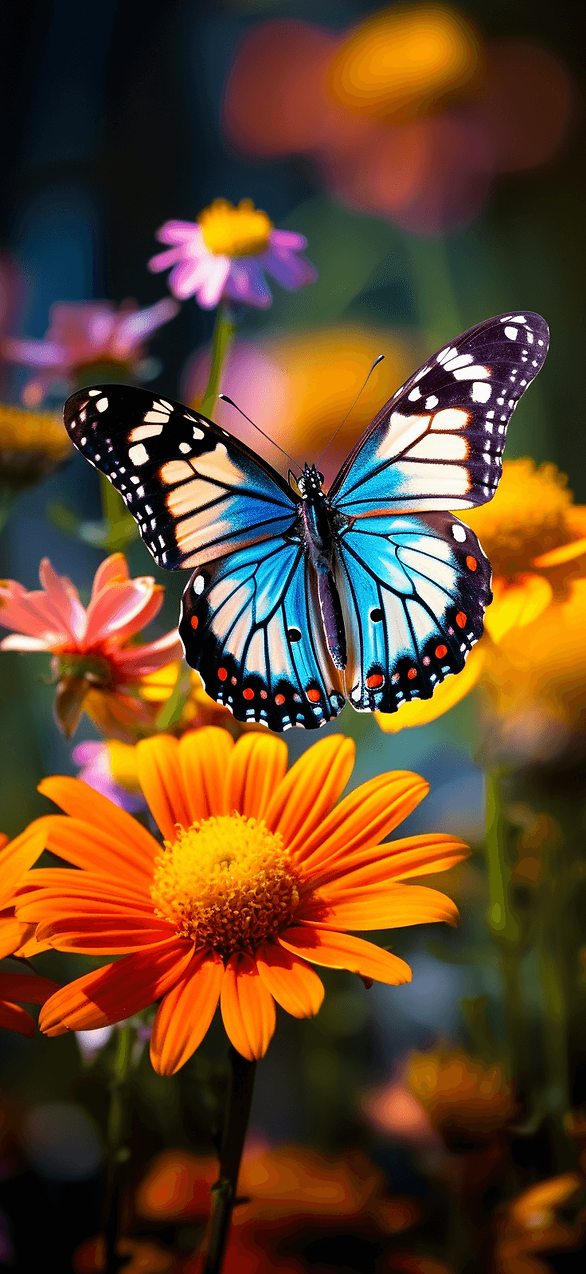
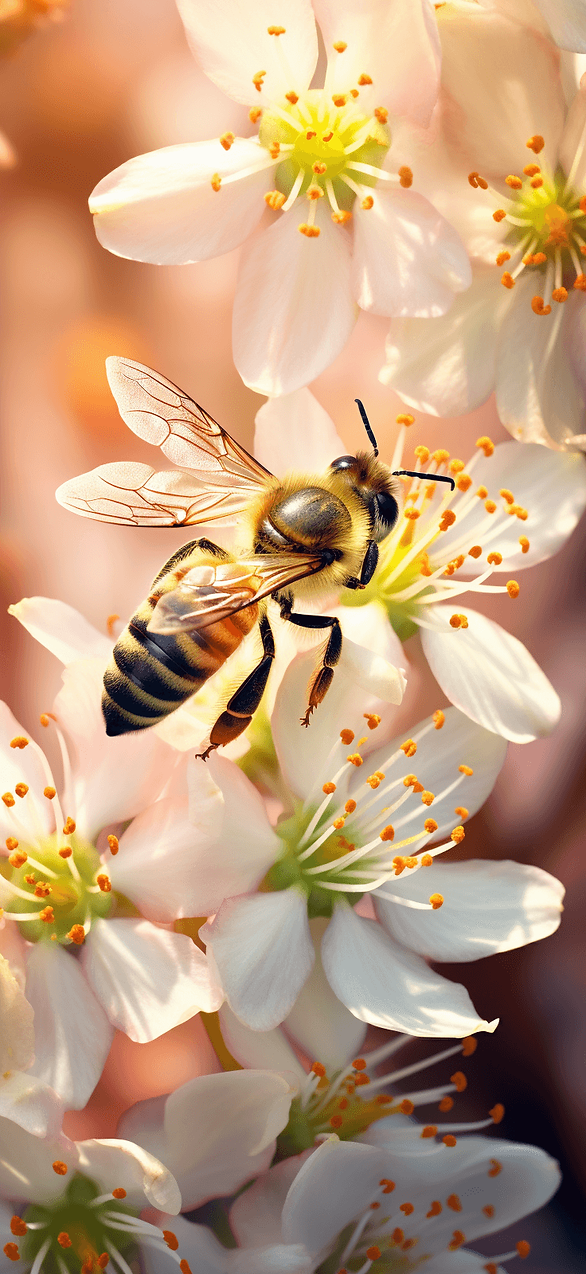
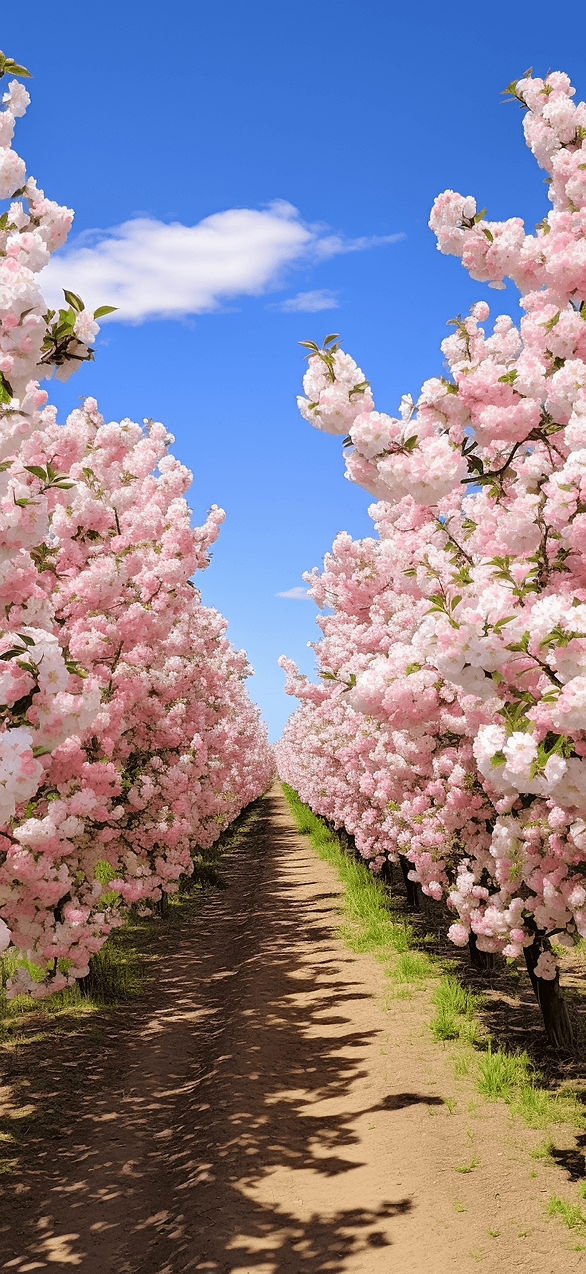
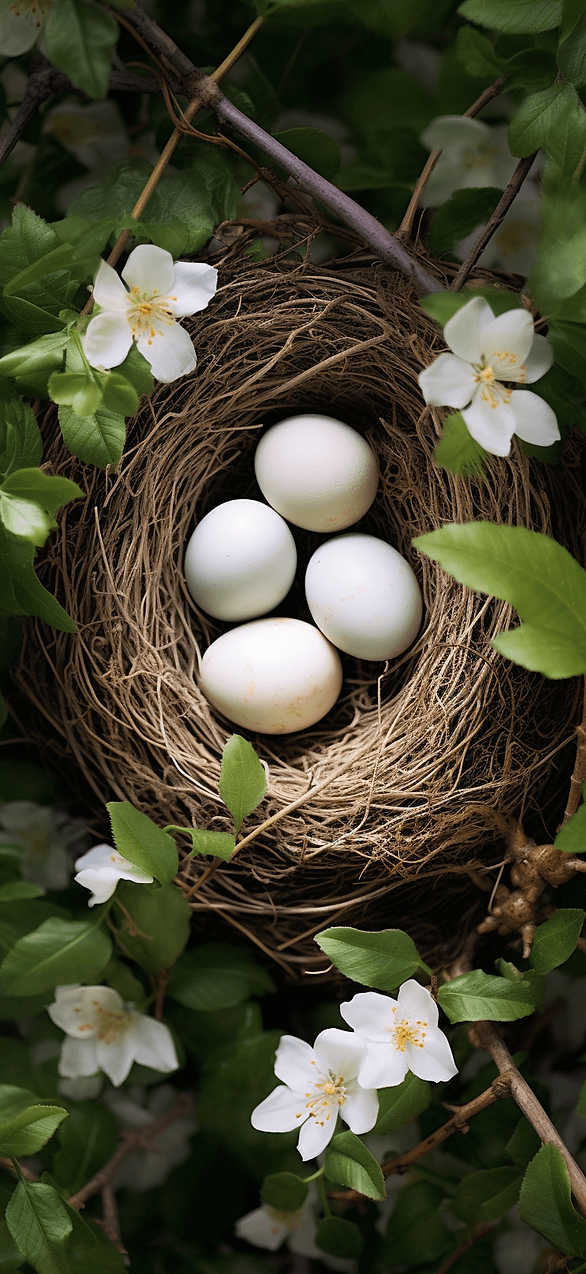
The Tiny Screen Reset I Keep Coming Back To
I always notice how often I look at my phone. That number feels rude. So I want the screen to give me something pleasant back.
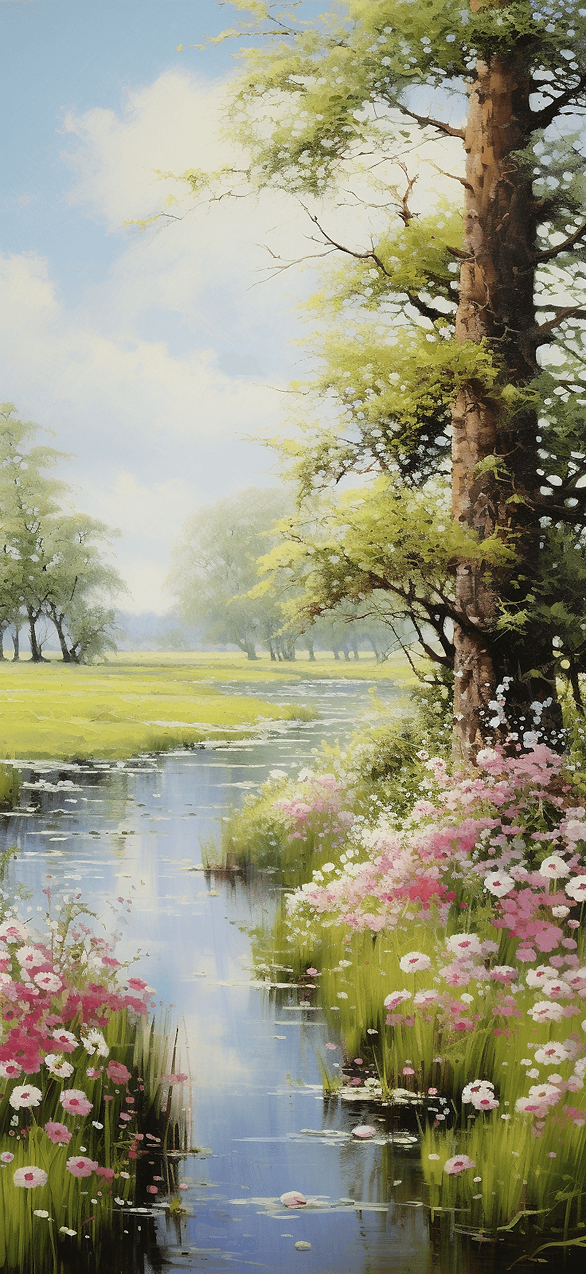
Aesthetic spring iPhone wallpaper gives me a quick refresh without a big plan. I can change it in minutes. Then the whole phone looks sharper.
I’ve found a good wallpaper changes how I use my phone. A calm background makes me tap less. Meanwhile, a bright Lock Screen makes me smile faster.
Living in Orlando keeps spring bright even on ordinary days. So I like wallpapers that match that sunlight. A fresh screen fits the season outside my window.
Pinterest keeps tossing new palettes at me, and I never hate it. So I save a few favorites and rotate them like outfits. That keeps my screen from getting stale.
In one sentence, spring aesthetic iPhone wallpaper can make your phone look new again. It’s a tiny upgrade with real payoff.
I also like having a weekday wallpaper and a weekend wallpaper. Weekdays get clean neutrals or soft sky tones. Weekends get citrus or playful patterns, because why not.
That little switch makes Monday less annoying. It also gives me a small reset without a whole routine.
If you grabbed one design today, that counts. Saving three is even better. Either way, your screen now matches the season.
And if your notifications still annoy you, at least they’ll show up on something pretty. That’s my kind of compromise.